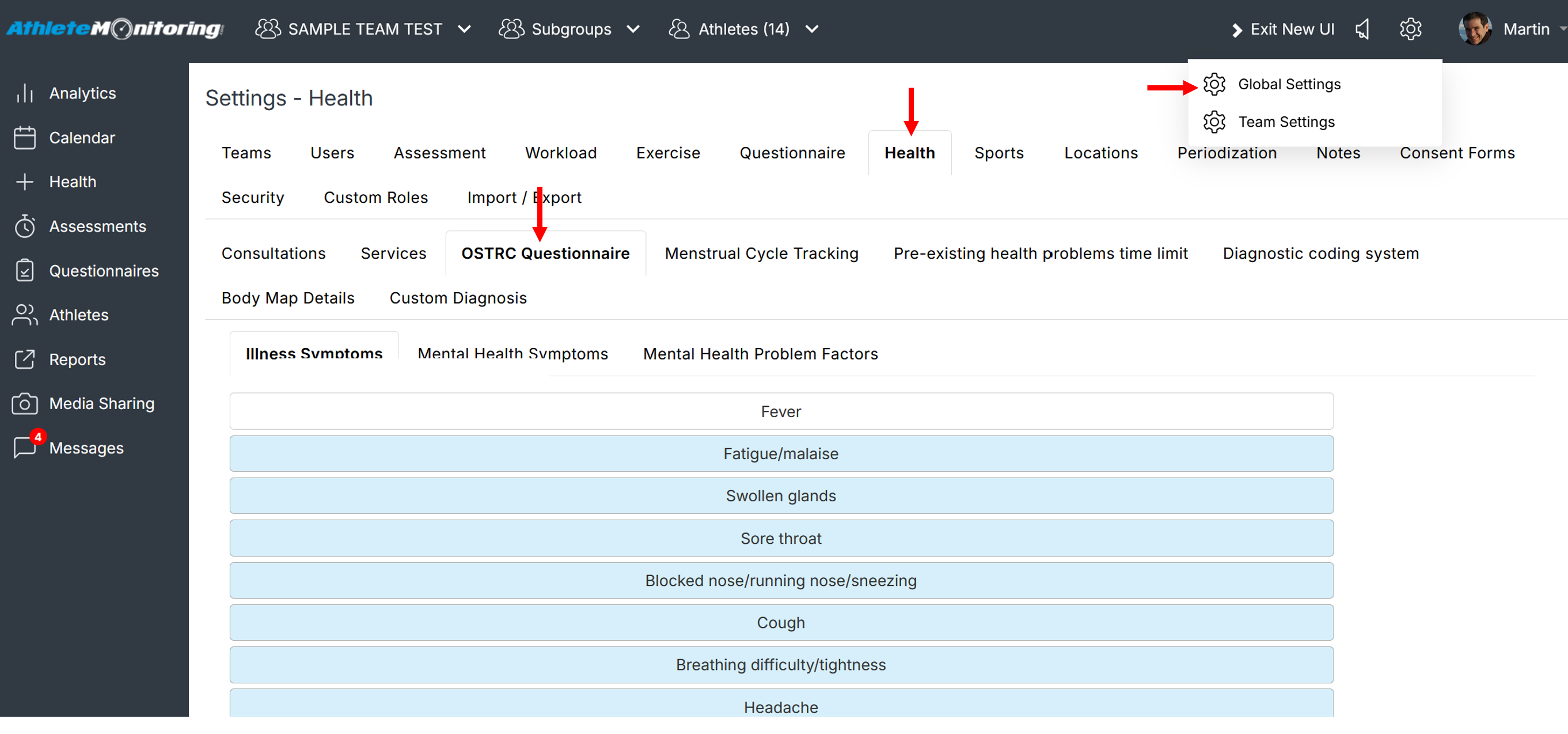
To edit the list of selectable illness symptoms, open Global Settings-Health-OSTRC Questionnaire and select Illness symptoms. Then activate/deactivate the available symptoms, or add your own by selecting the small cross located at the bottom of the list.
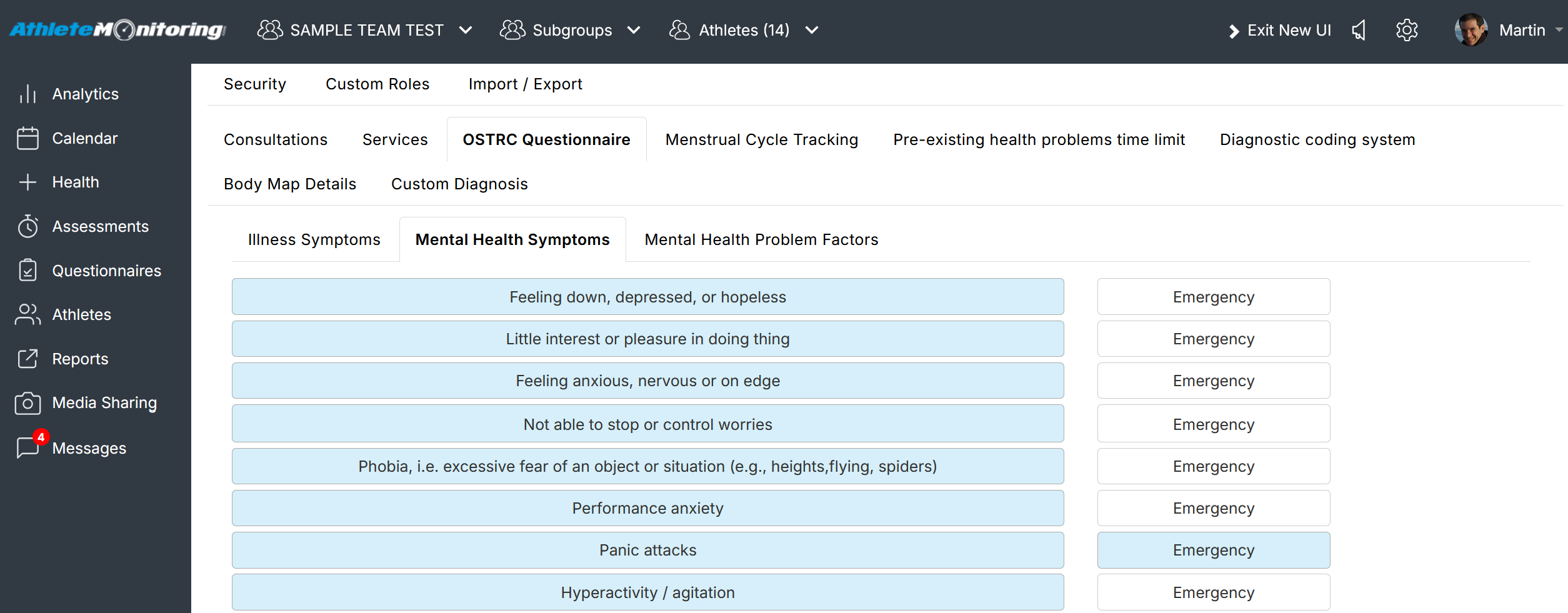
To edit the list of selectable mental health symptoms, select Mental health symptoms. Then activate/deactivate the available symptoms, or add your own by selecting the small cross located under the list.
To edit the list of selectable mental health problem factors, select mental health problem factors. Then activate/deactivate the available options, or add your own by selecting the small cross located under the list.
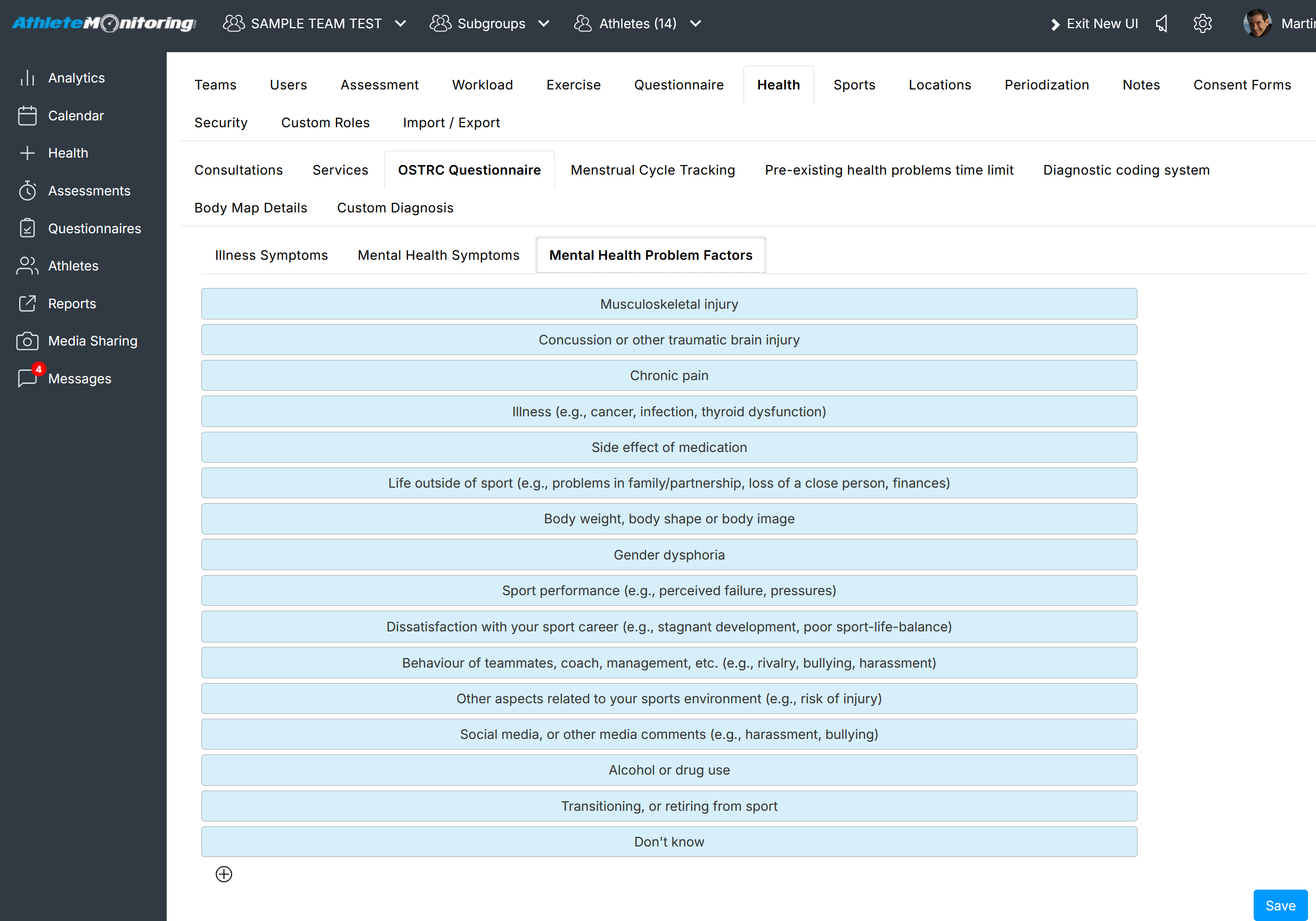
The changes are immediately available to athletes


Was this article helpful?
That’s Great!
Thank you for your feedback
Sorry! We couldn't be helpful
Thank you for your feedback
Feedback sent
We appreciate your effort and will try to fix the article