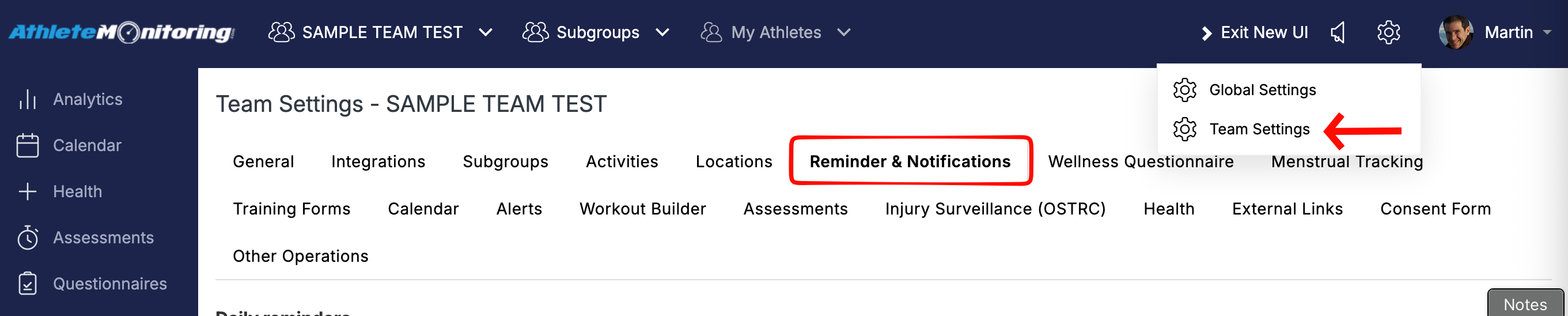
To set up reminders for the weekly OSTRC questionnaire, go to Team Settings > Reminders and open the Daily Reminders section. Find “Weekly Health Survey Reminder”, then select the reminder type (Push Notification or Email), choose the day and time, and click “Save”.
By default, OSTRC questionnaire reminders are sent daily until the athlete completes the questionnaire. To stop reminders after a specific number of days, select the appropriate option under “Stop After”.

Was this article helpful?
That’s Great!
Thank you for your feedback
Sorry! We couldn't be helpful
Thank you for your feedback
Feedback sent
We appreciate your effort and will try to fix the article