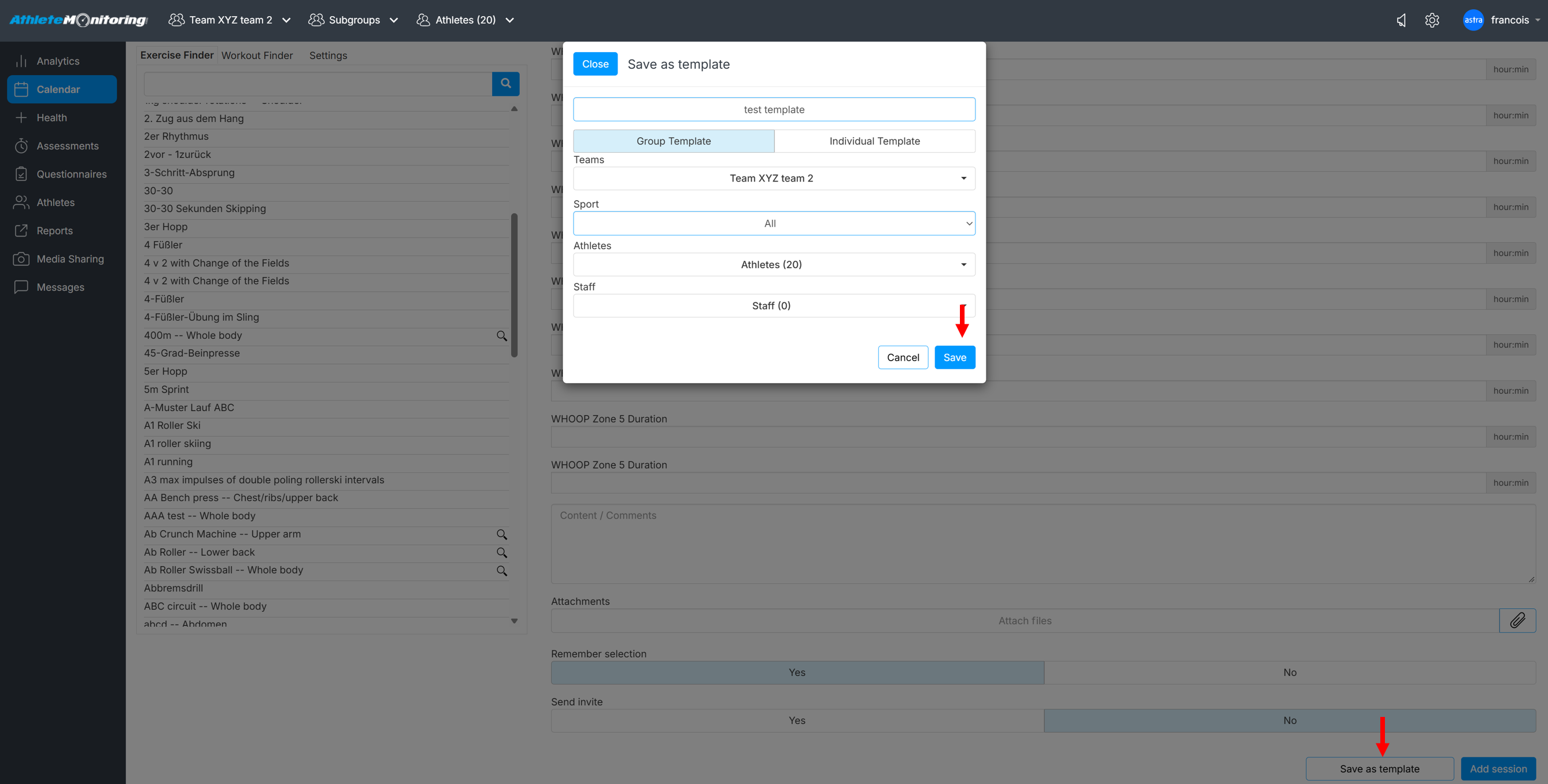
To save sessions as workout templates, simply select the Save as template button, enter a name for the saved session and Save,
To import a saved template in your program, simply open the Workout Finder tab and click on the template's name. All session exercises, parameters and details will be automatically added to your program.
Was this article helpful?
That’s Great!
Thank you for your feedback
Sorry! We couldn't be helpful
Thank you for your feedback
Feedback sent
We appreciate your effort and will try to fix the article