By default, all exercises available in the exercise library and all workout templates created in global settings, are available to the teams.
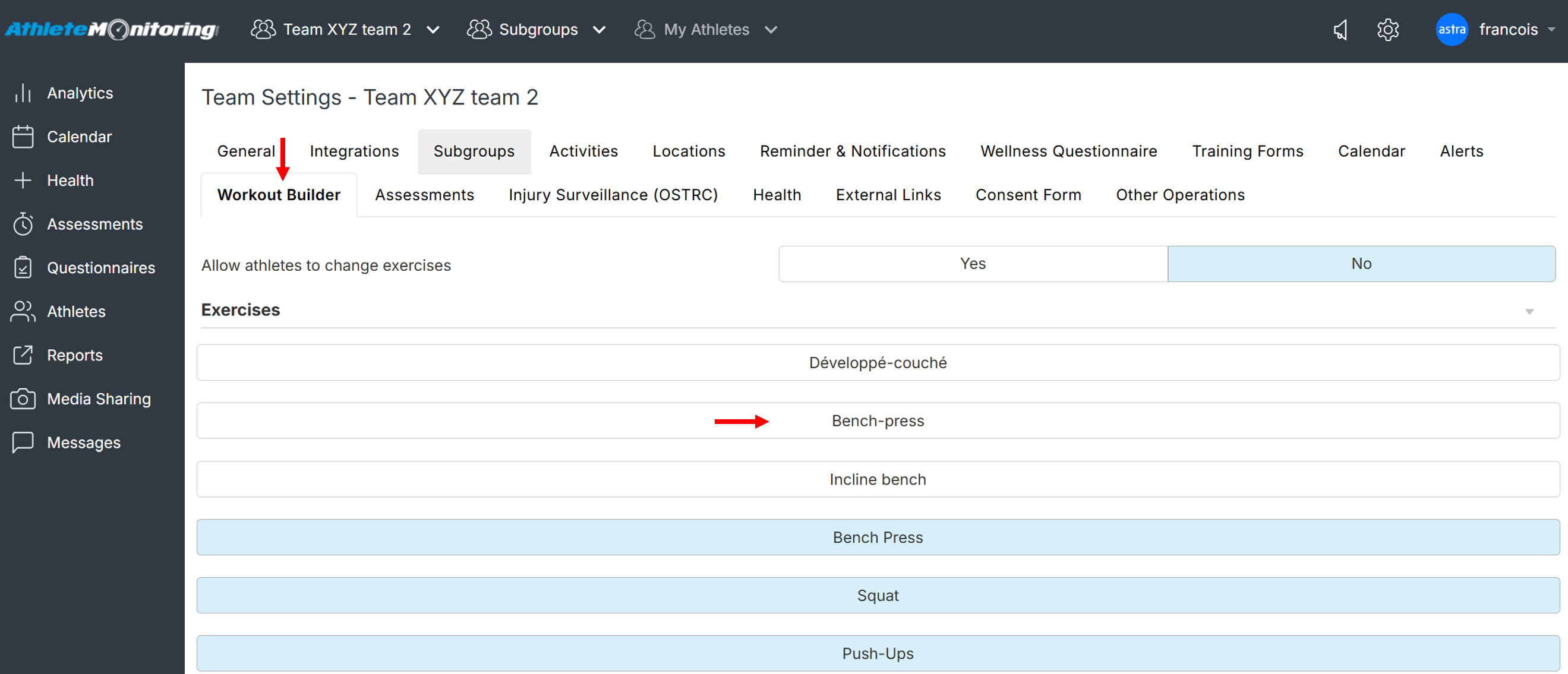
To remove specific exercises and workout templates from the list available to specific teams, open the Workout Builder section of Team settings, and deselect the exercises and workouts you want to remove. Then save the settings.
Was this article helpful?
That’s Great!
Thank you for your feedback
Sorry! We couldn't be helpful
Thank you for your feedback
Feedback sent
We appreciate your effort and will try to fix the article