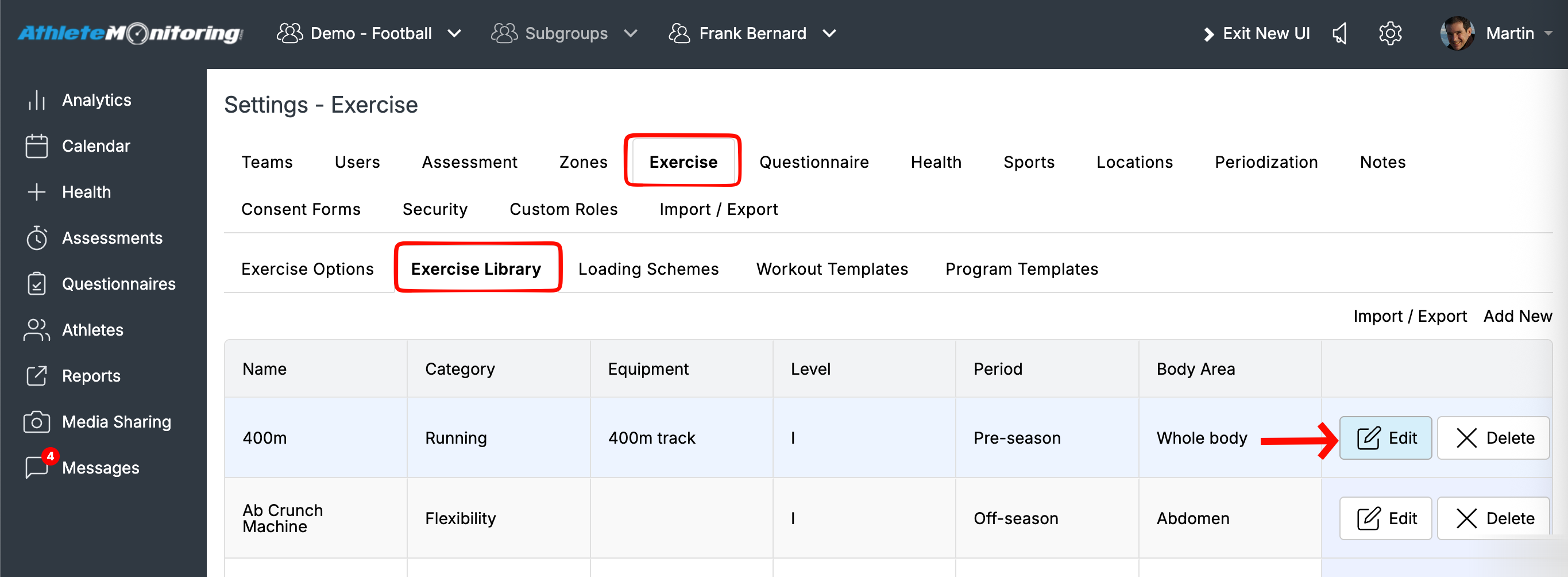
Go to Settings > Exercise > Exercise Library and click “Edit” for the exercise you want to update. In the exercise details, you can attach a picture and add a video link.
You can use links from YouTube, Vimeo, files hosted on your own server, or specialized exercise websites such as:

Was this article helpful?
That’s Great!
Thank you for your feedback
Sorry! We couldn't be helpful
Thank you for your feedback
Feedback sent
We appreciate your effort and will try to fix the article