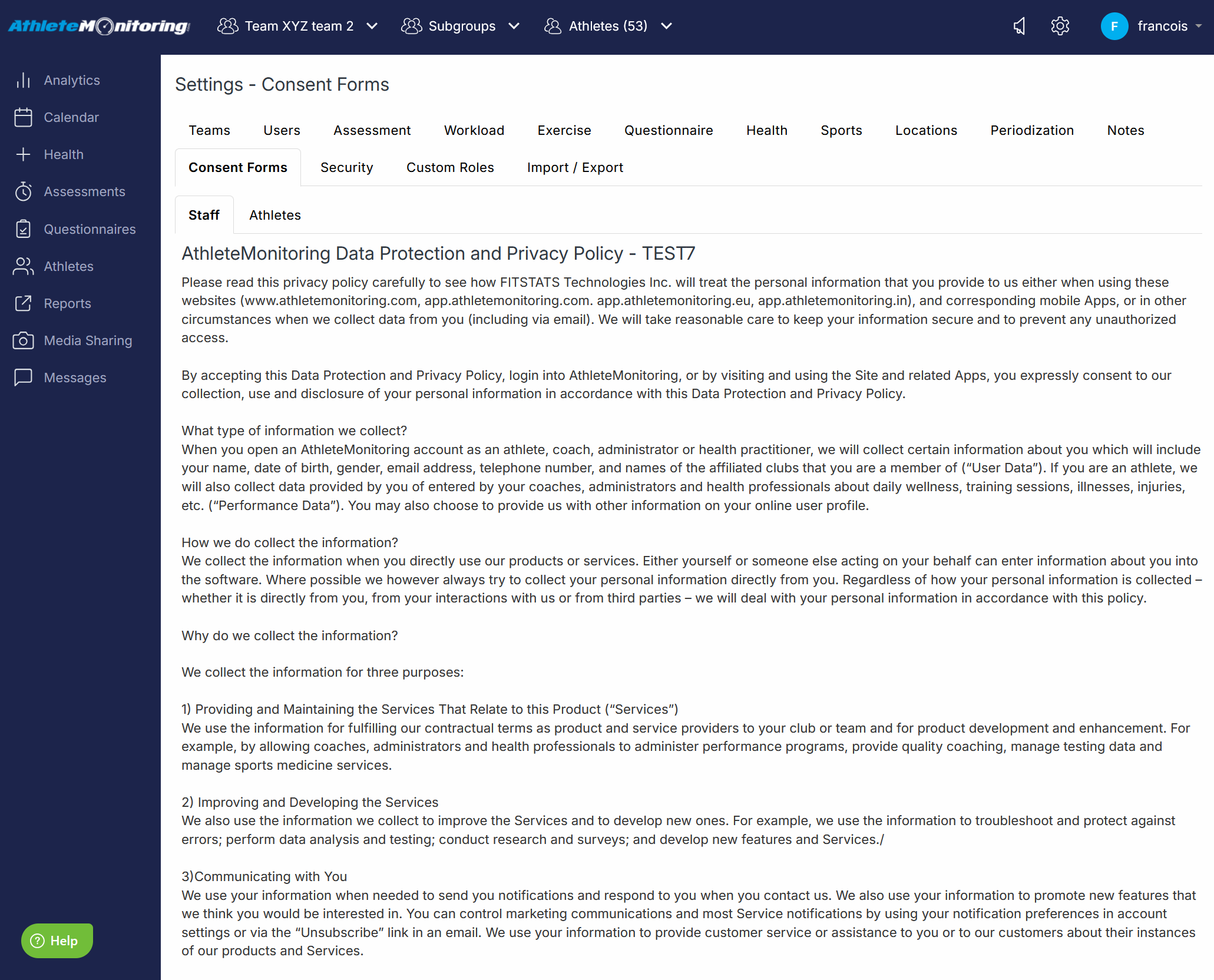
To edit the default Data Protection and Privacy Policy statement displayed during the first login, select Global Settings - Consent Forms.
To modify the Athlete consent form, select the Athlete tab, press the Edit button and make the changes. To edit the Staff consent form, select the Staff tab. When the Consent Form is modified, athletes and staff will be asked to accept it again.
Was this article helpful?
That’s Great!
Thank you for your feedback
Sorry! We couldn't be helpful
Thank you for your feedback
Feedback sent
We appreciate your effort and will try to fix the article