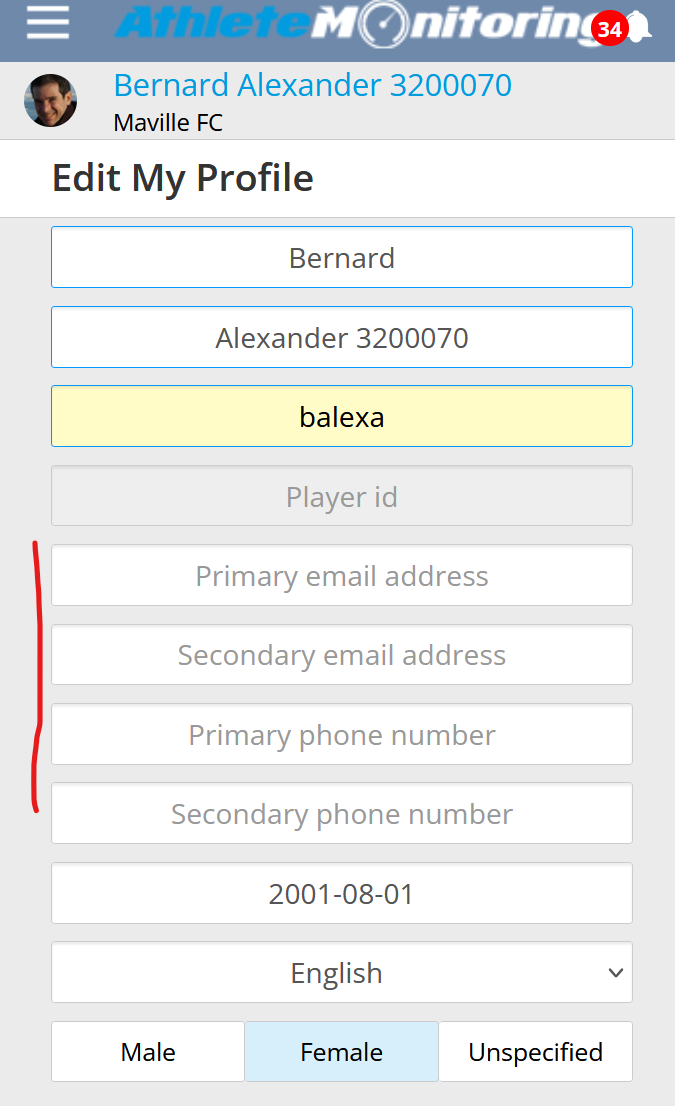
If you are an athlete, open your profile and delete your phone number and/or email address. The system will stop sending you SMS and/or email messages and/or push notifications
If you do not use the app anymore, ask your coach to deactivate your account. You wil;l not be able to login anymore and will stop receiving reminders.
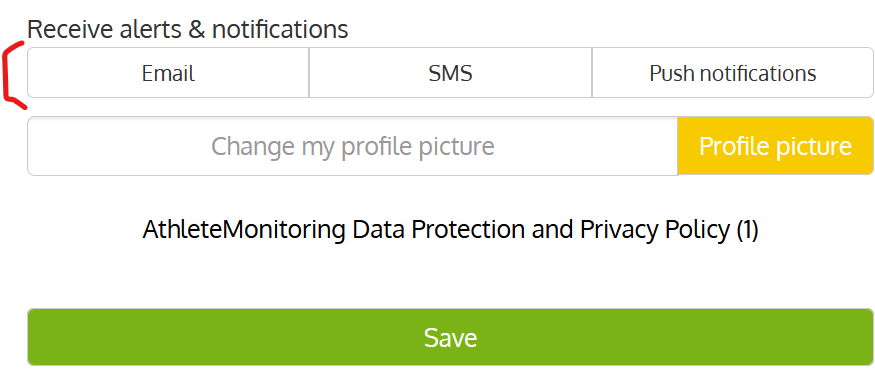
If you are a coach or staff user, open your profile, go to the Receive notifications section, select None and save the changes.
Was this article helpful?
That’s Great!
Thank you for your feedback
Sorry! We couldn't be helpful
Thank you for your feedback
Feedback sent
We appreciate your effort and will try to fix the article