Viewing and printing results
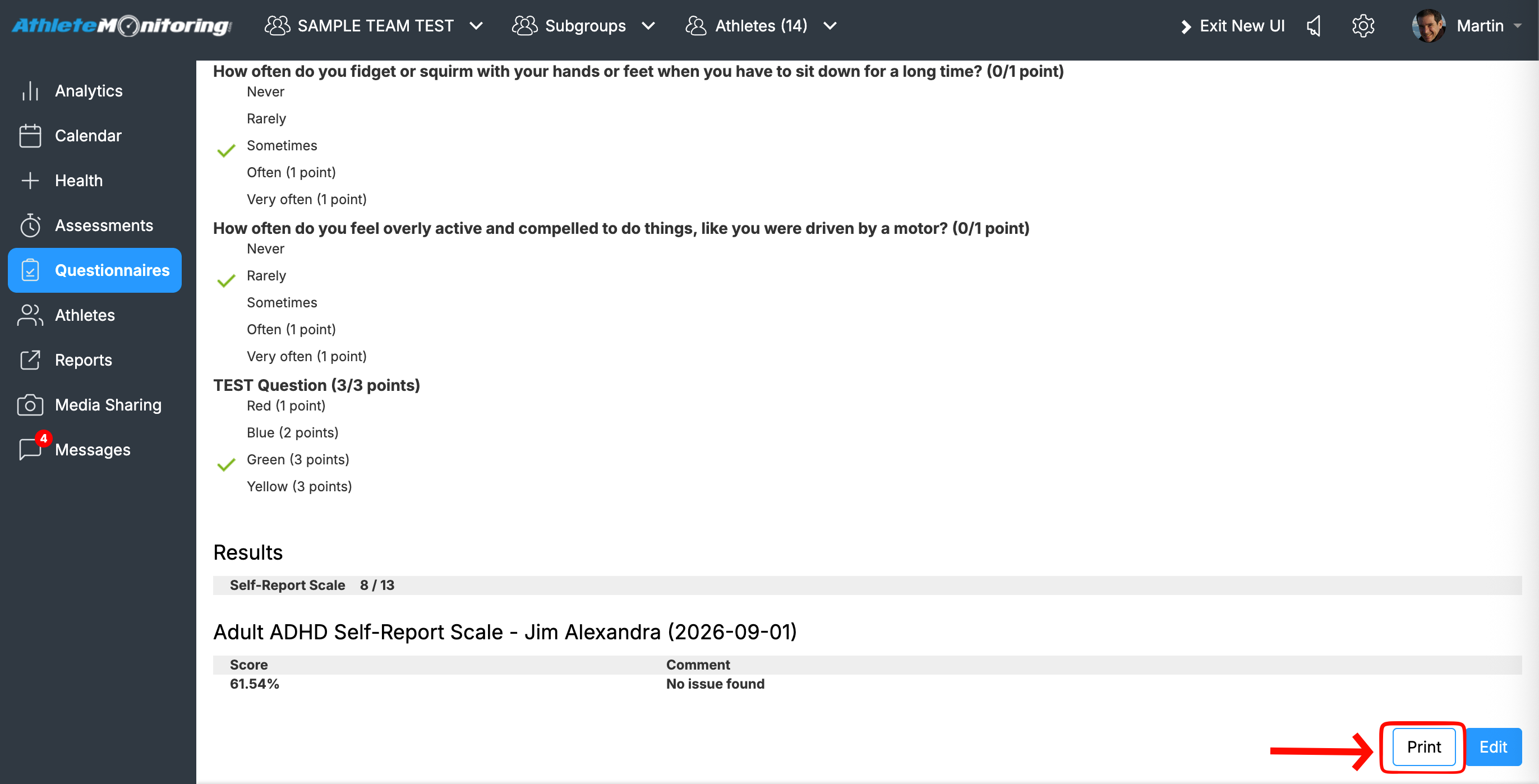
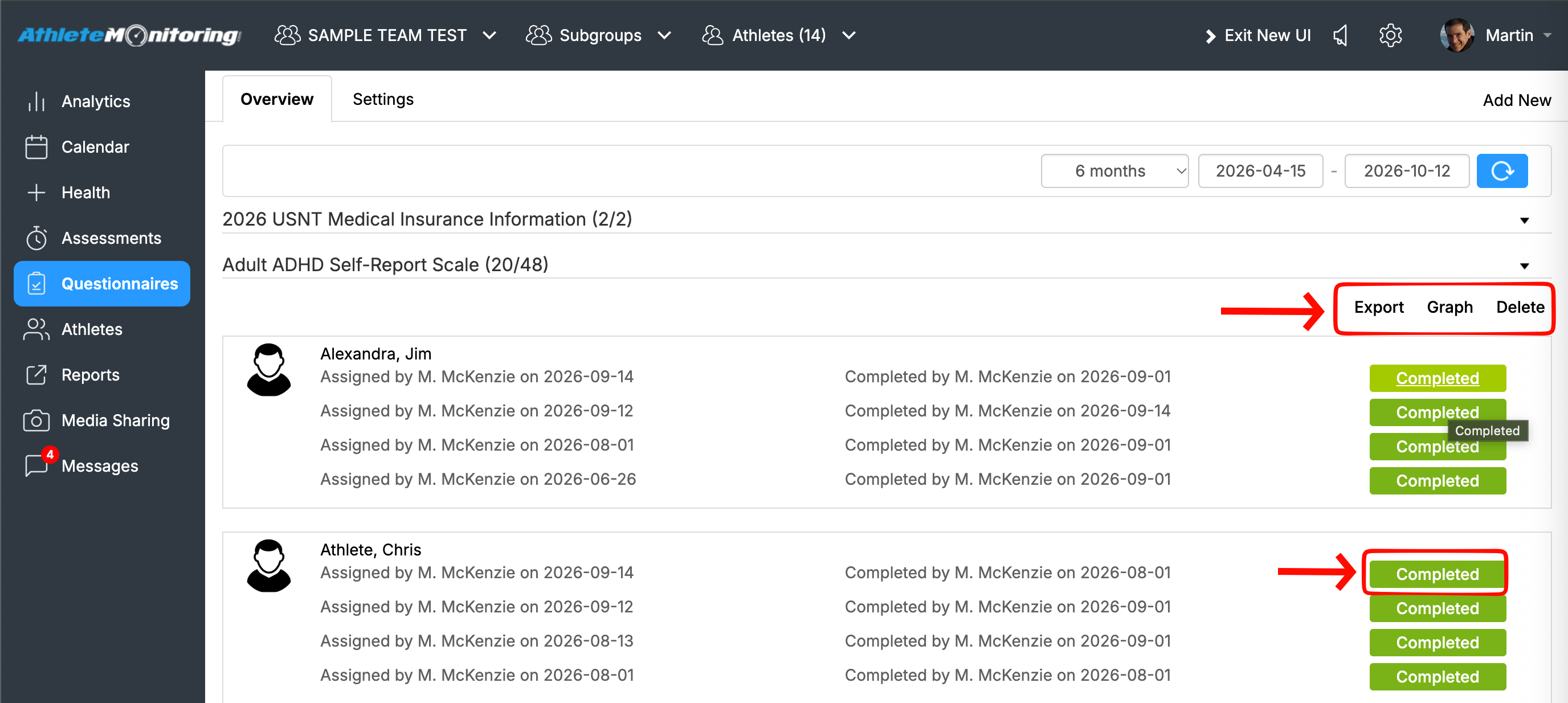
Once a questionnaire has been completed, results can be easily viewed by tapping the green button.
A PDF printout of the result page can be generated by tapping the print button.
Exporting Questionnaire Results
Results can be exported to Excel by clicking the “Export” button.
Graphing Questionnaire Results
Results can be viewed as a graph by clicking the “Graph” button.
Was this article helpful?
That’s Great!
Thank you for your feedback
Sorry! We couldn't be helpful
Thank you for your feedback
Feedback sent
We appreciate your effort and will try to fix the article