Login to athletemonitoring.com
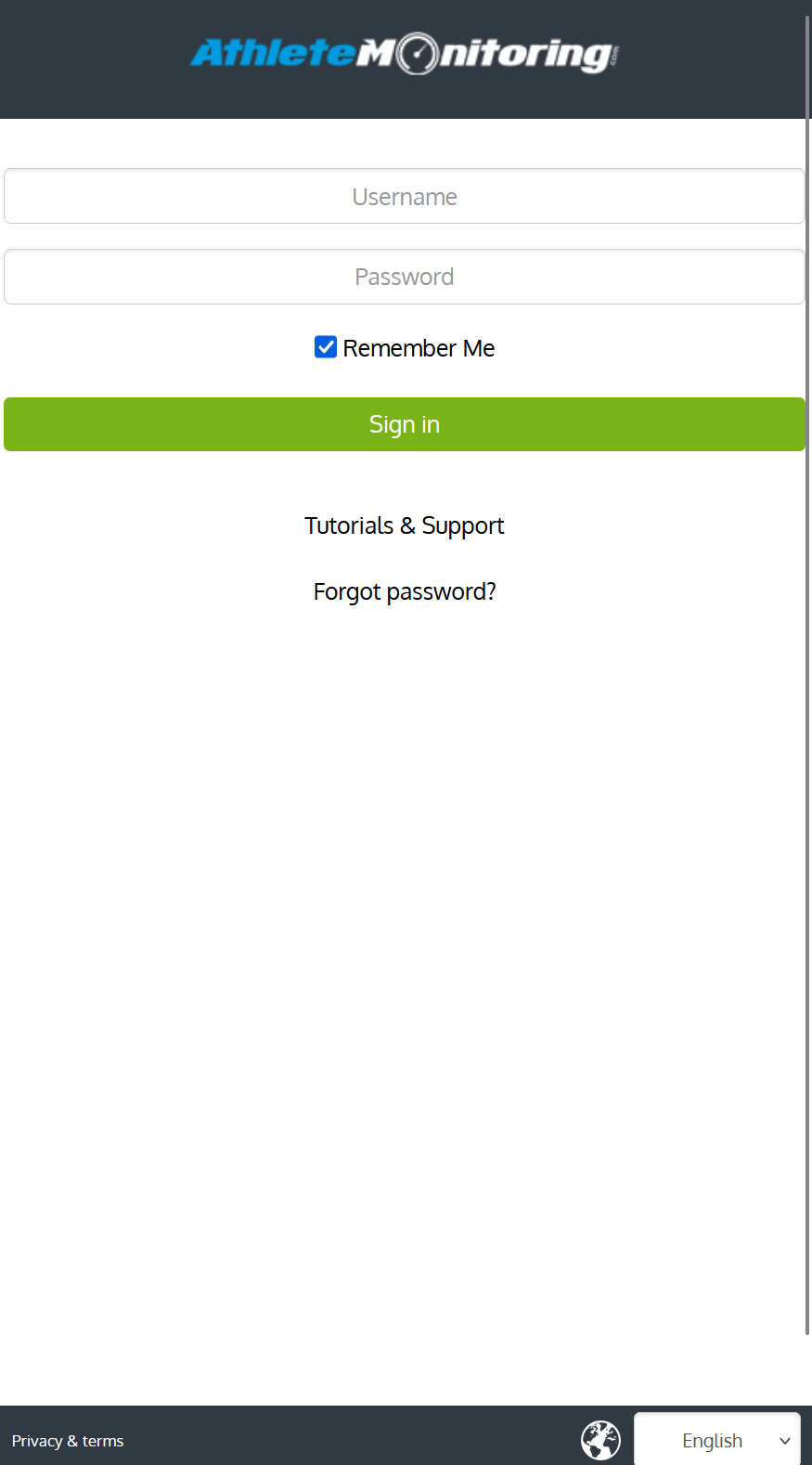
go to app.athletemonitoring.eu using the username and password sent to your email address
enter your username and password, press sign-in
Link your WHOOP account
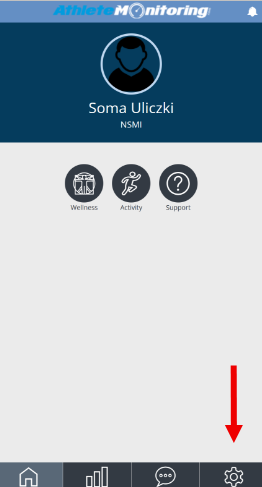
Go to your AthleteMonitoring settings/profile
Click the "Link WHOOP Data"
Enter your WHOOP account if prompted to
Agree to the "Terms and Conditions"
Click "Accept"
Reviewing your data
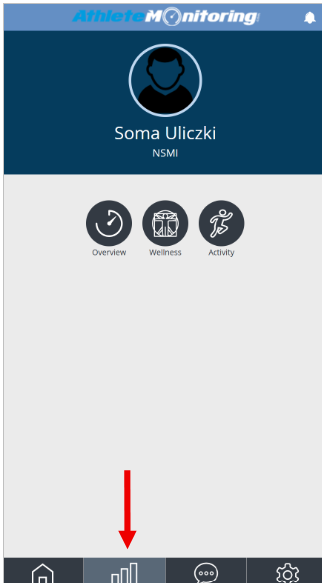
Press the graph button and select overview, wellness or activity
Resetting your password
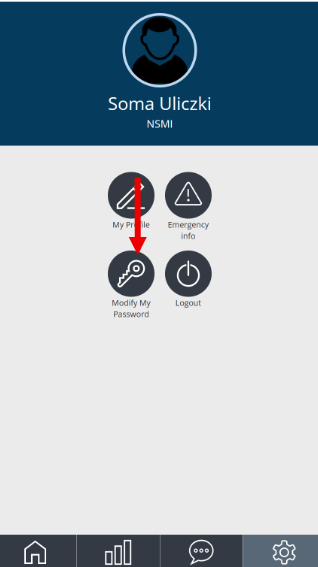
Tap settings and select Modify my password
Lost password
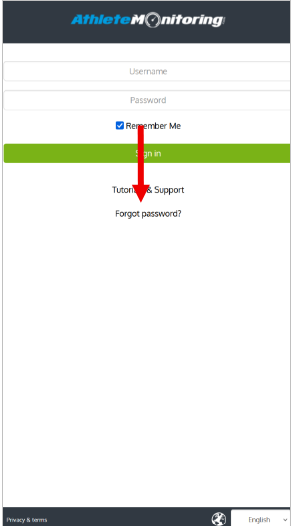
Go to app.athletemonitoring.eu, tap Forgot password? Fill out the form and send the request. A password reset link will be sent to your email address. If you do not receive the email, please check your spam or trash box.
Was this article helpful?
That’s Great!
Thank you for your feedback
Sorry! We couldn't be helpful
Thank you for your feedback
Feedback sent
We appreciate your effort and will try to fix the article