Standardize practice and save time with preset diagnosis-specific restriction and recommendations.
Step 1
Open Settings-Health and go to the Custom Diagnosis section.
Step 2
Select the type of health problem, a body area (or category of problem depending the type chosen). The diagnosis details are displayed.
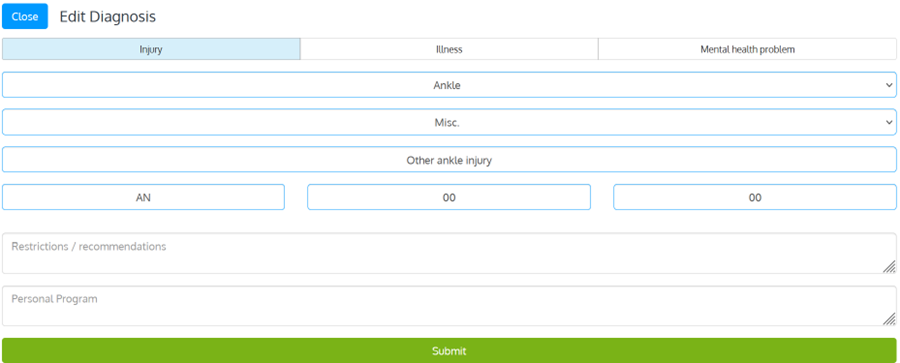
Enter the default restrictions and individual program, then click Submit.
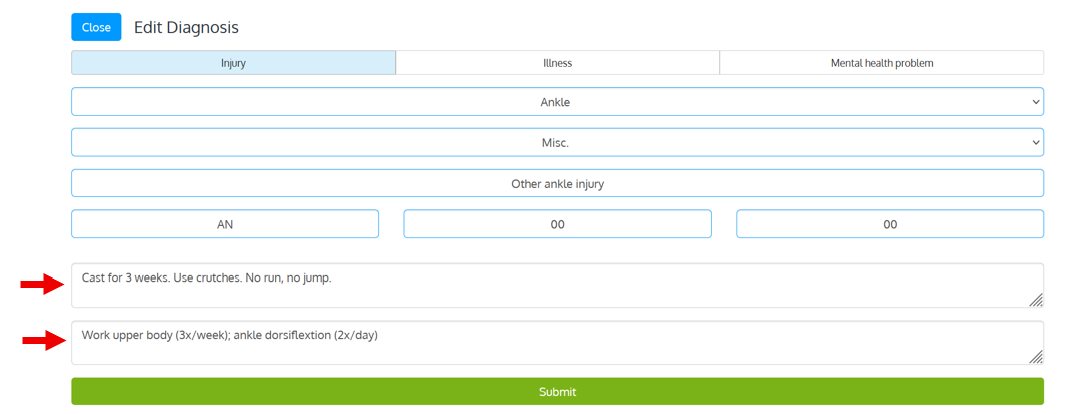
Step 3
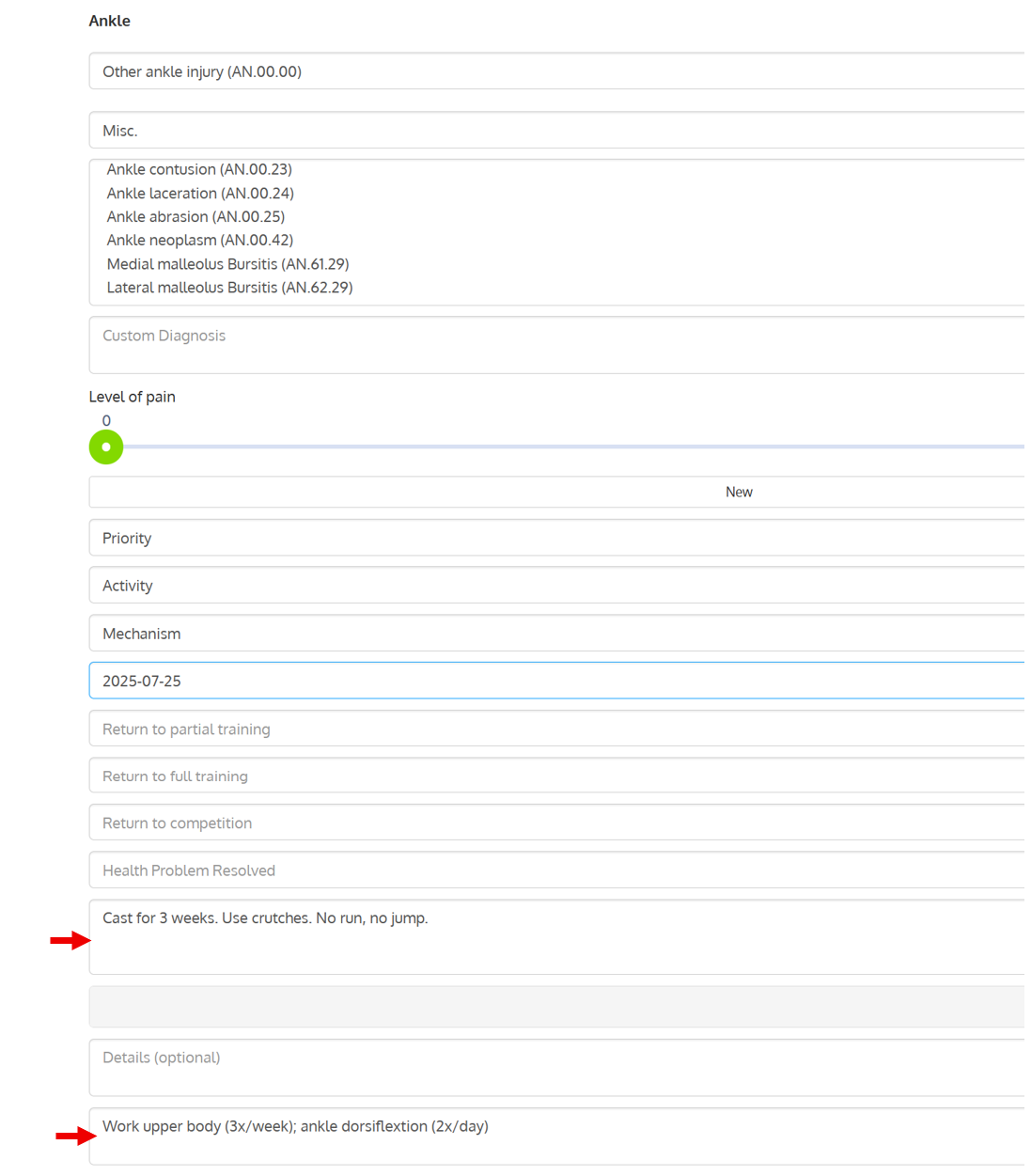
Now, when you record a new health problem lined to the same diagnosis, preset restrictions and recommendations are automatically displayed
Was this article helpful?
That’s Great!
Thank you for your feedback
Sorry! We couldn't be helpful
Thank you for your feedback
Feedback sent
We appreciate your effort and will try to fix the article