How to Securely Attach an X-Ray Report to an Athlete’s Record.

Modified on Wed, 30 Sep at 1:50 AM

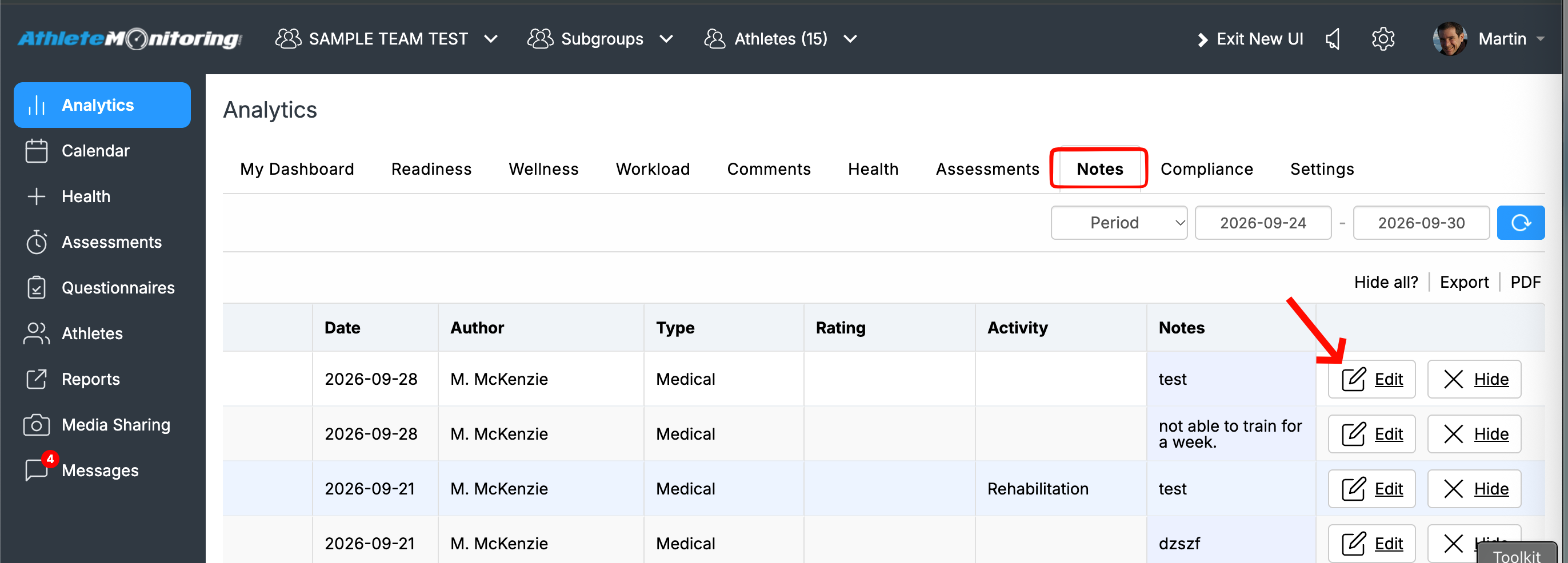
The best way to attach an X-Ray report is to open the Health menu, click the Note icon, enter a note, and attach the file.


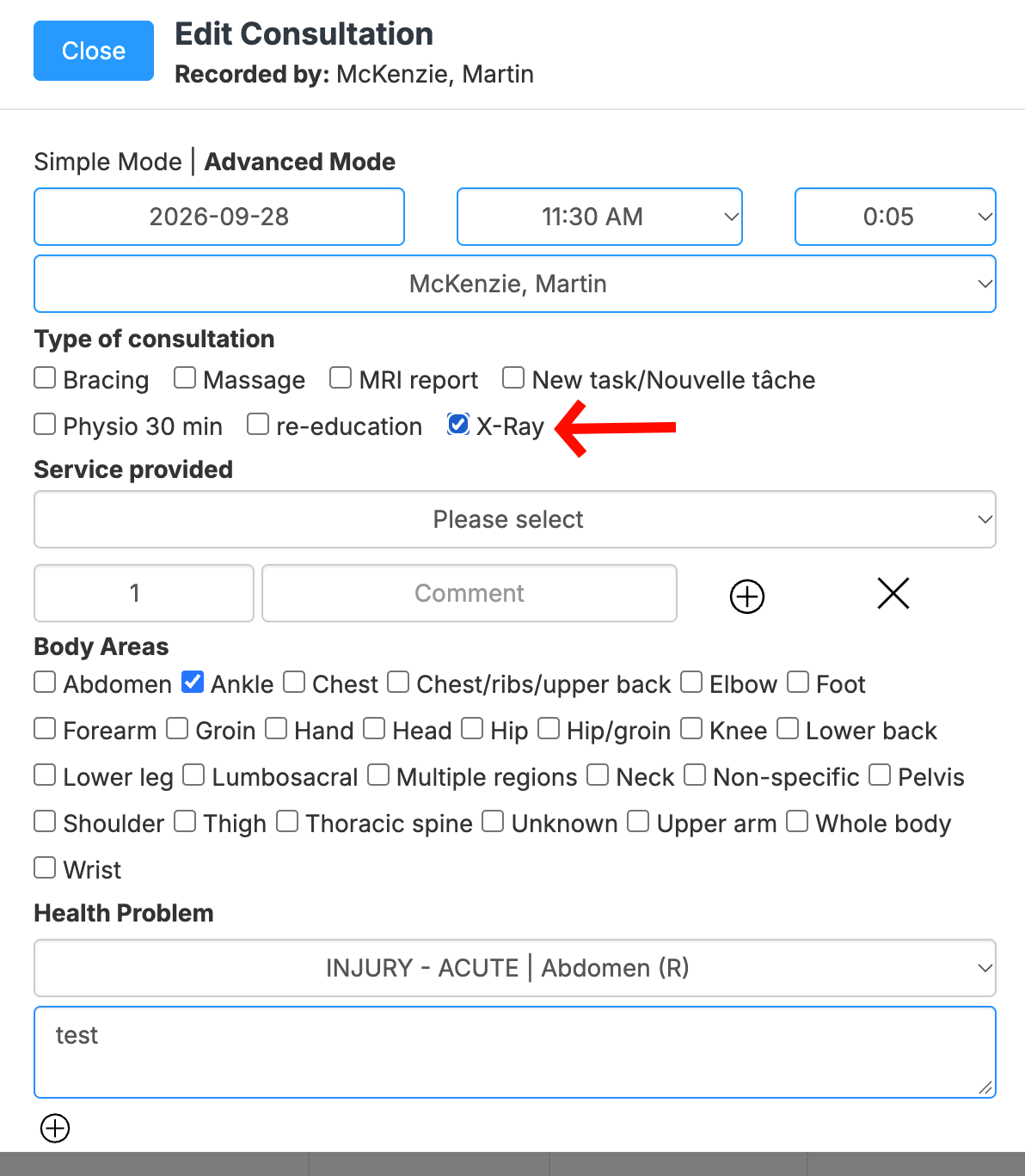
You can also customize the “Task” list under Team Settings to include “X-Ray”. Once added, you can tag the note and attached document as “X-Ray”, making it easier to find all X-Ray reports for the athlete.


Was this article helpful?

That’s Great!

Thank you for your feedback

Sorry! We couldn't be helpful

Thank you for your feedback

Let us know how can we improve this article!

Select at least one of the reasons
CAPTCHA verification is required.

Feedback sent

We appreciate your effort and will try to fix the article