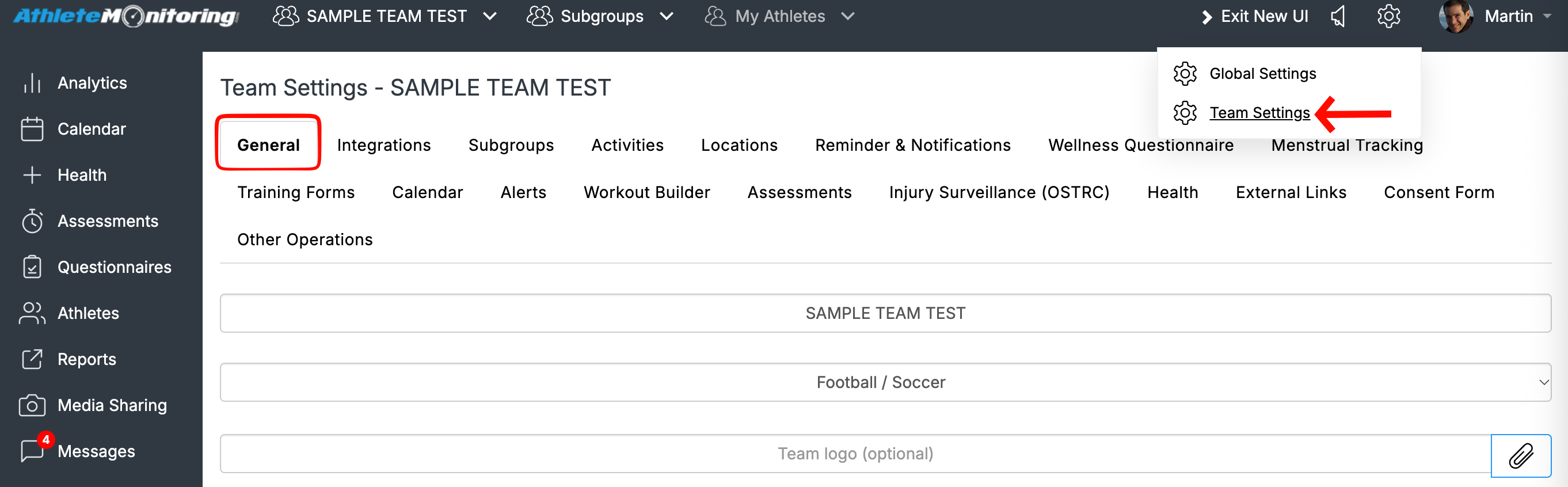
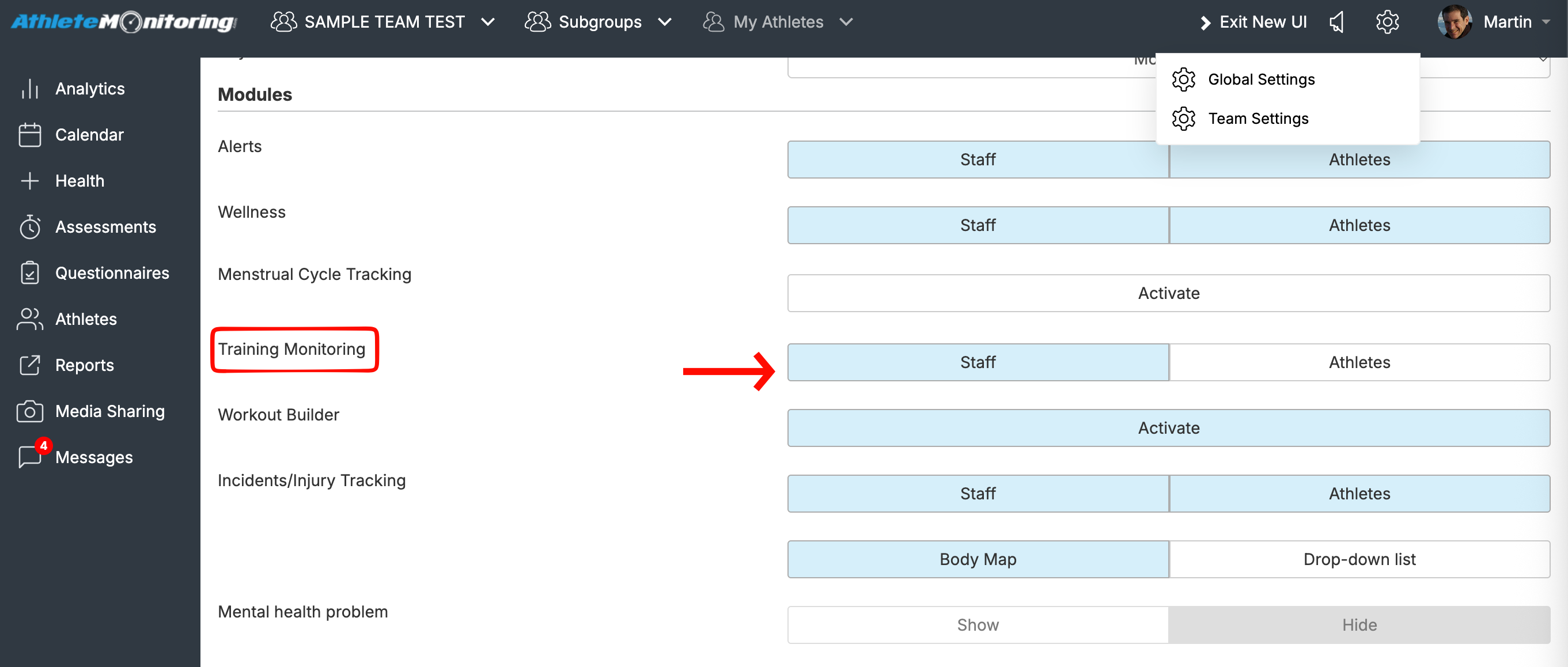
If you want to prevent athletes from reporting or creating training sessions, go to Team Settings > General > Modules > Training Monitoring and select or deselect the “Athlete” option. The selected option will be highlighted in blue.
Was this article helpful?
That’s Great!
Thank you for your feedback
Sorry! We couldn't be helpful
Thank you for your feedback
Feedback sent
We appreciate your effort and will try to fix the article