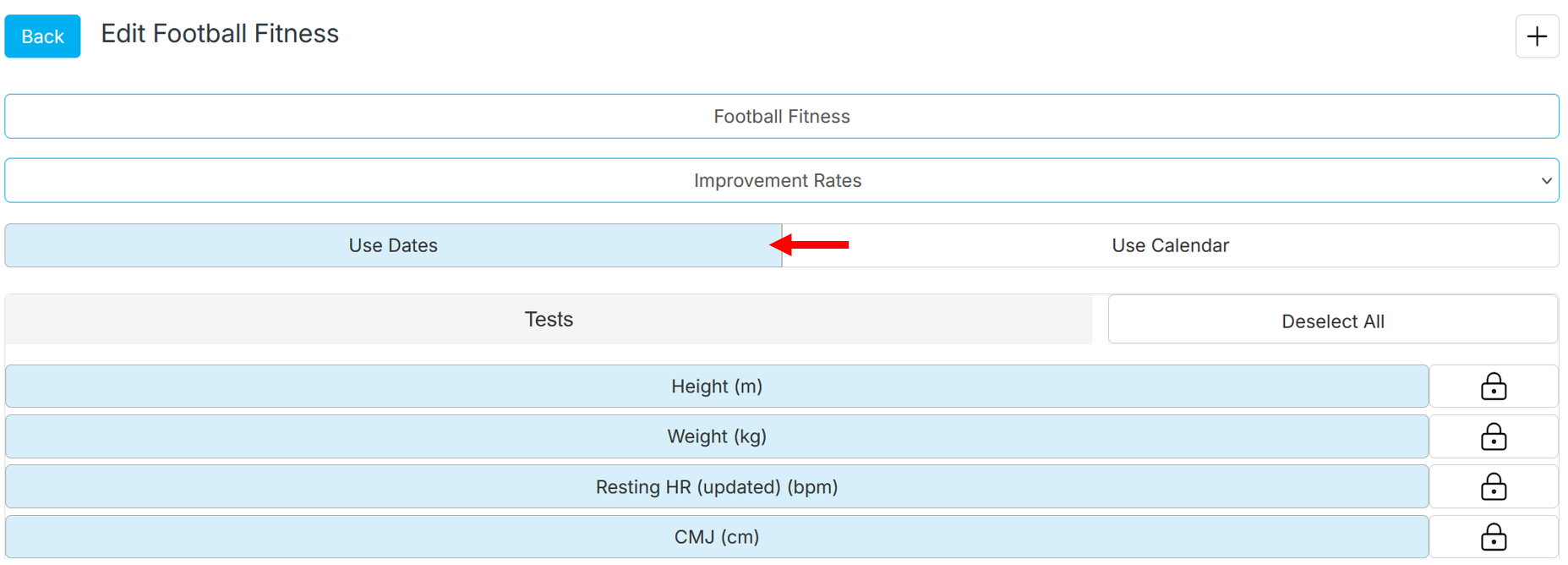
If you want to enter data on specific dates (not for periods), edit the test battery and select 'use dates'. This will allow you to record data every day of your choice. If you prefer to group your tests by periods (EG; camp #1, May 2026, etc), select 'use calendar' and add the periods in the assessment calendar.
Was this article helpful?
That’s Great!
Thank you for your feedback
Sorry! We couldn't be helpful
Thank you for your feedback
Feedback sent
We appreciate your effort and will try to fix the article