This feature allows health practitioners to record health problems and clinical notes offline and upload them to the database once they are back online.
This applies only to health problems and clinical notes and requires the latest version of the Android app installed on your device.
Note: This feature is currently only available for Android devices. The iOS version will be released soon.
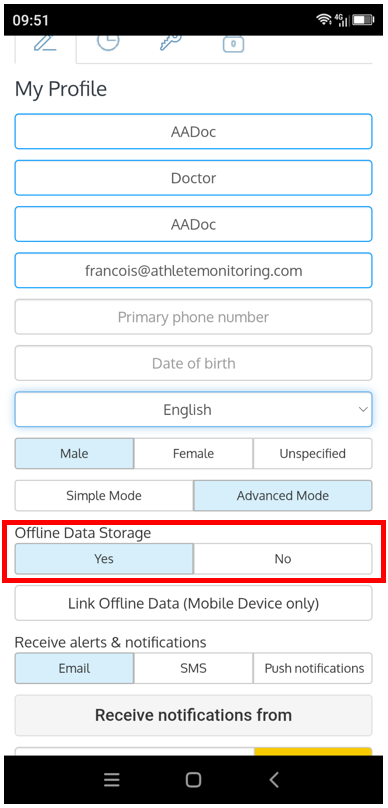
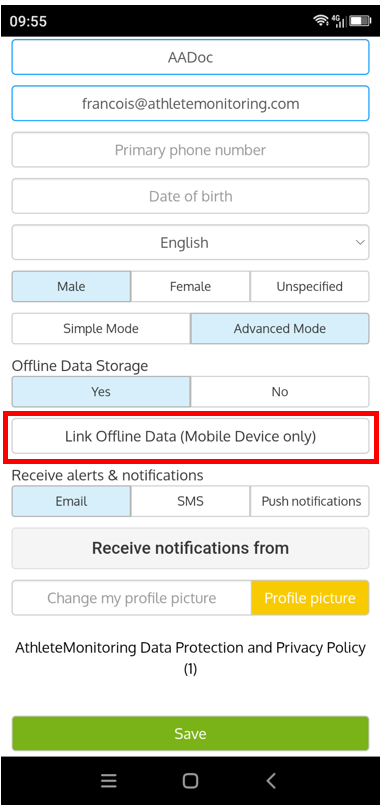
Step 1 - Open your profile and enable offline data storage
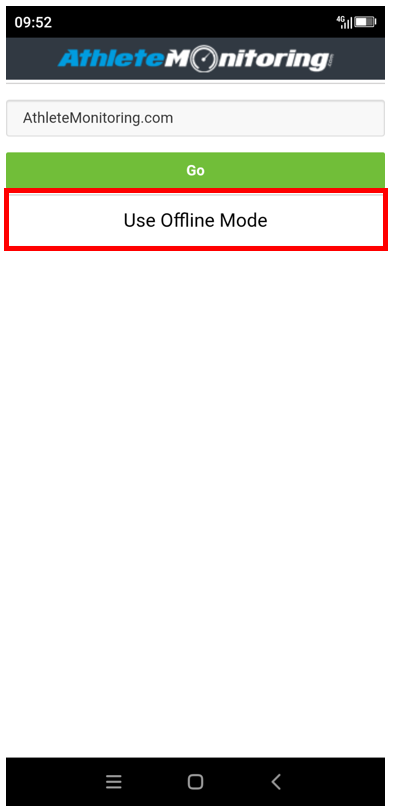
Step 2 - Then go offline, select your server and 'Use offline mode'
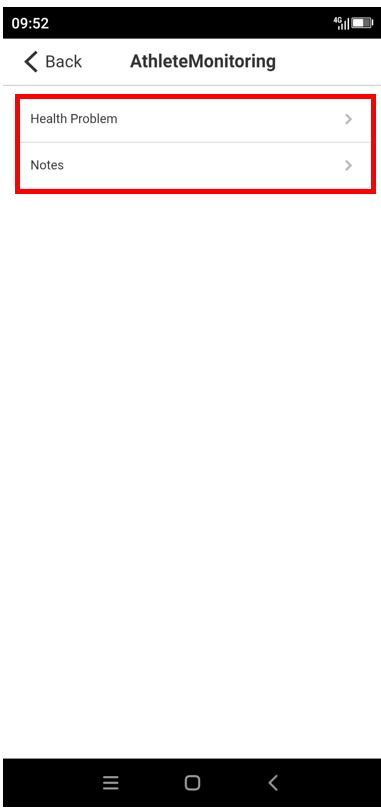
Step 3 - Select a team and the type of information to record
Step 4 - Tap Add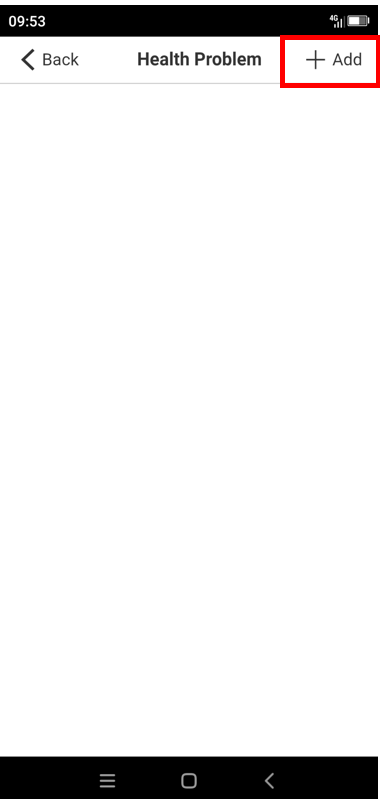
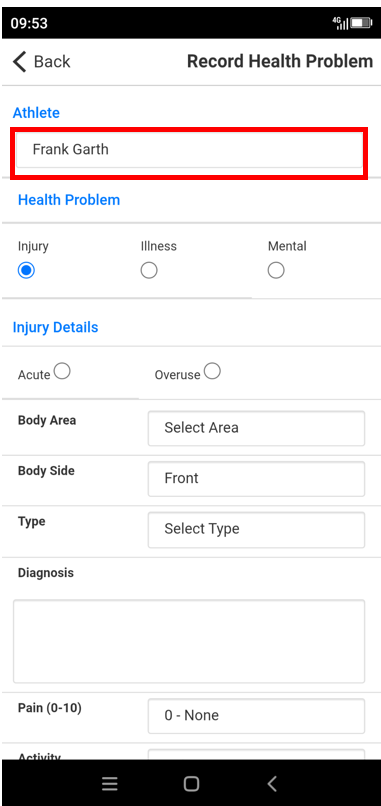
Step 5 - Select an athlete, record the information and tap Submit
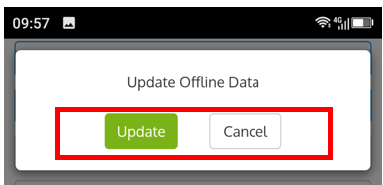
Step 6 - Back online, open the app again, open your profile and upload the offline data
Was this article helpful?
That’s Great!
Thank you for your feedback
Sorry! We couldn't be helpful
Thank you for your feedback
Feedback sent
We appreciate your effort and will try to fix the article