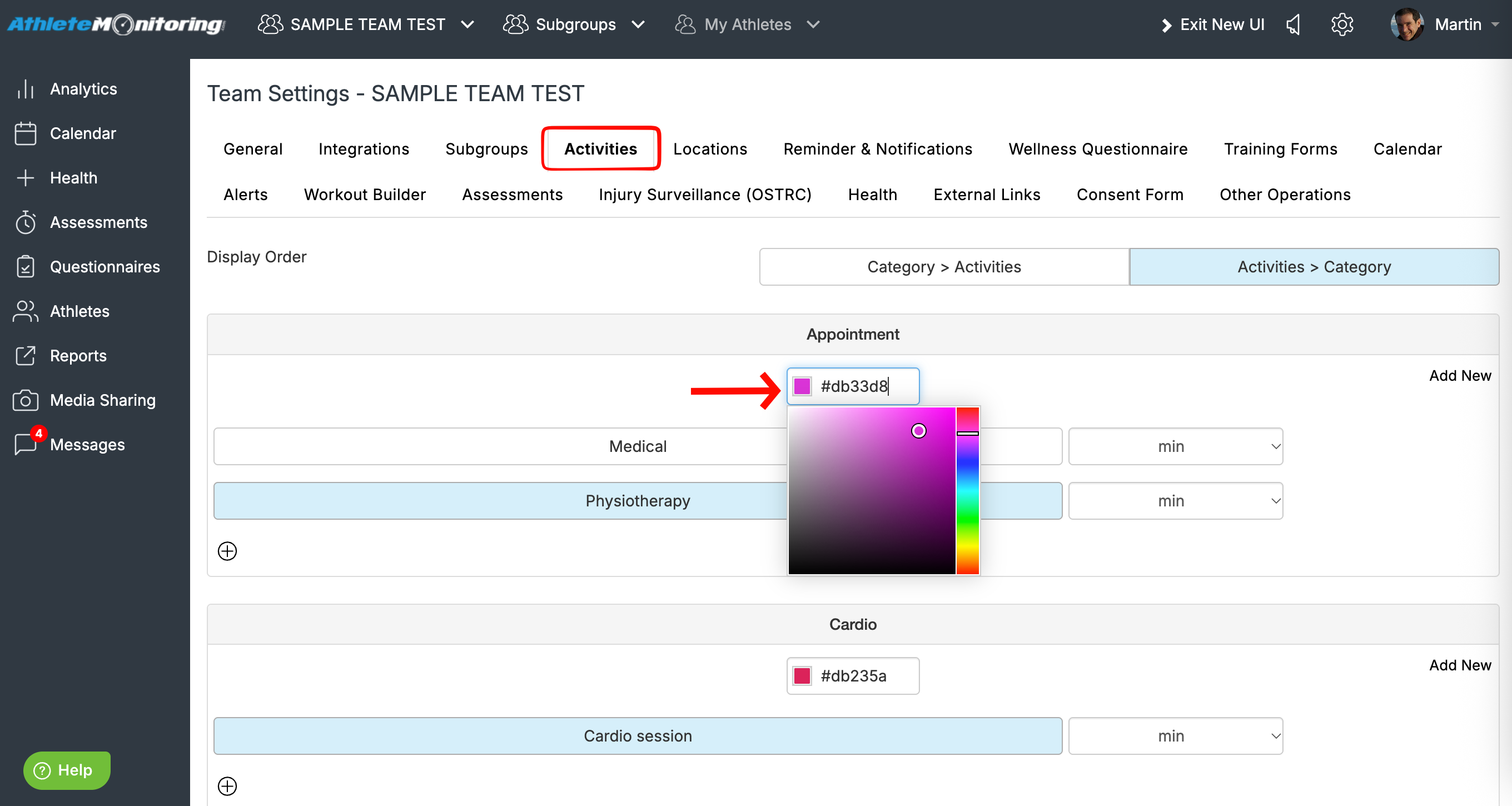
Colors are specific to each category of activities. To use your preferred colors, open team settings, activities and select your color.
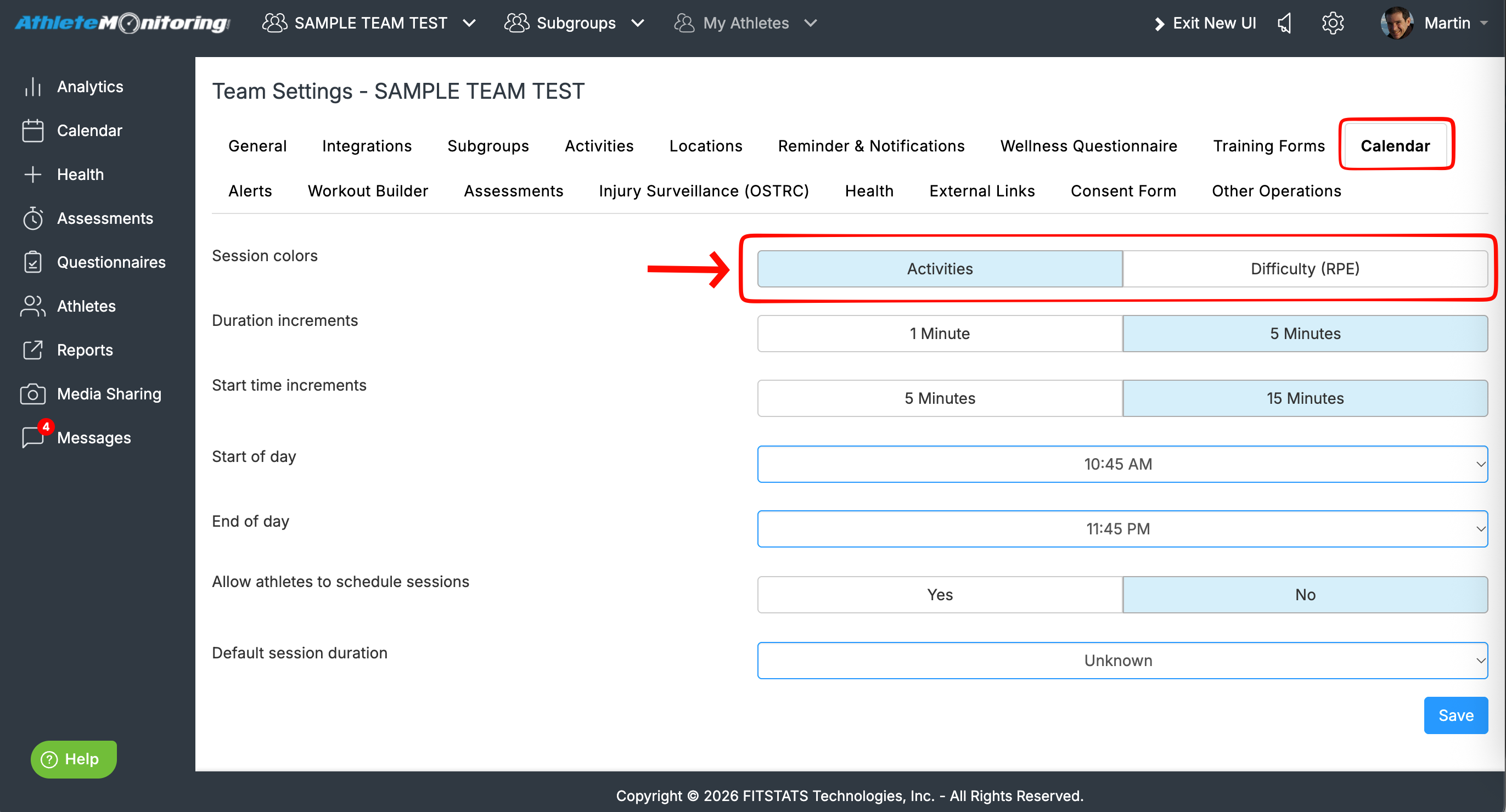
To visualize easy and hard sessions on your calendars, and/or represent each session by the color associate with the session's planned RPE/difficulty, open team settings, calendar and activate the session colors option.
When the calendar shows programs for several teams, each team is represented by a different color.
Was this article helpful?
That’s Great!
Thank you for your feedback
Sorry! We couldn't be helpful
Thank you for your feedback
Feedback sent
We appreciate your effort and will try to fix the article