
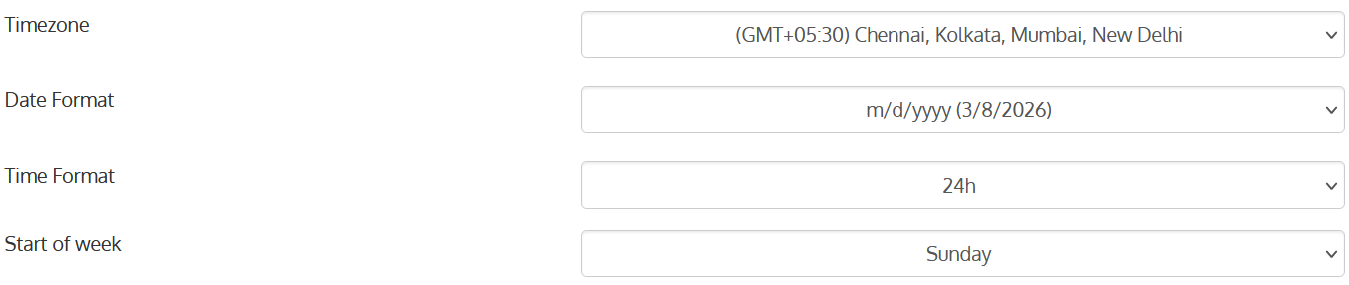
Calendar data format and week start day are defined in Team settings-General section.
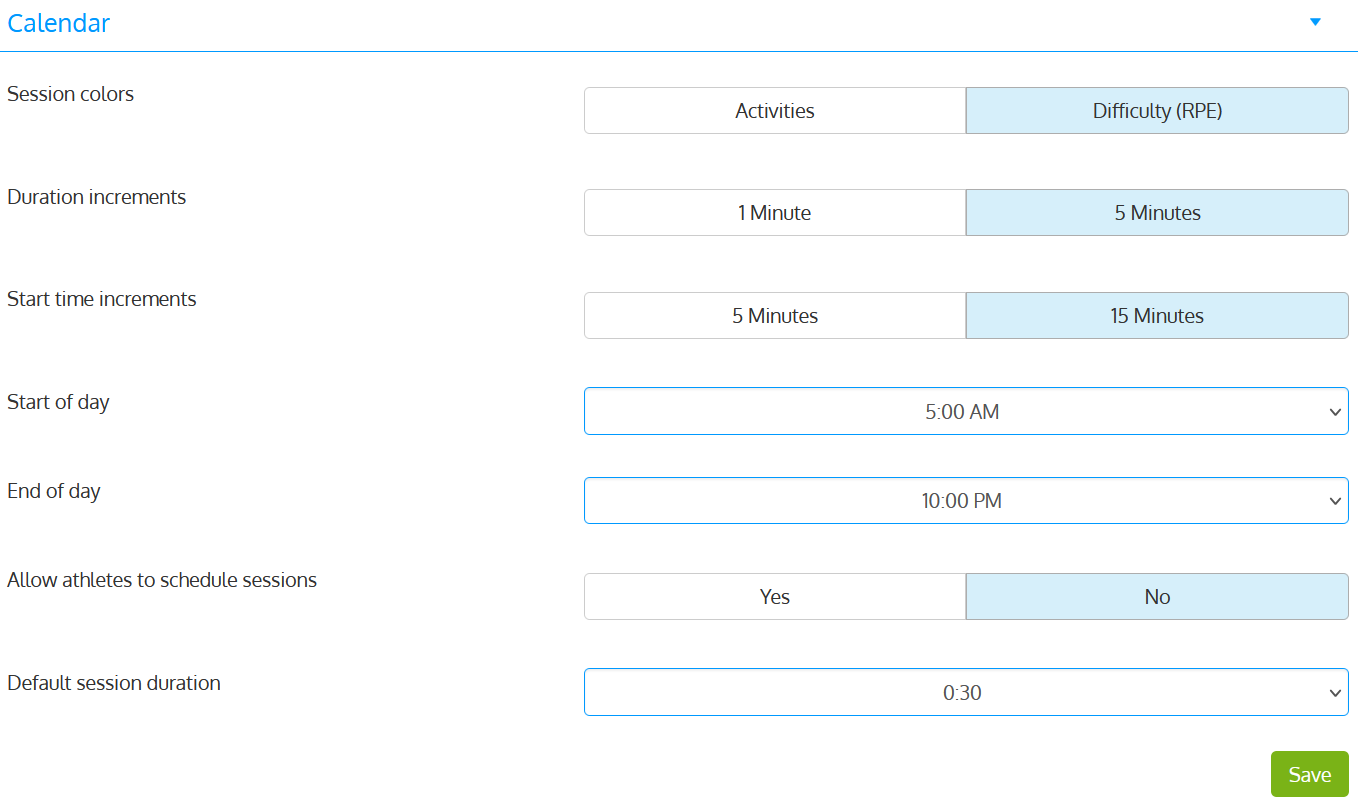
The section below presents calendar-specific setting and cell coloring options. These options are available in Team settings-Calendar section.
Session colors:
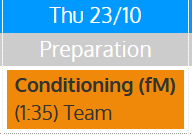
When a single team/group is selected, sessions colors will be represented by:
The color associated with the planned activity (Activities is button selected).
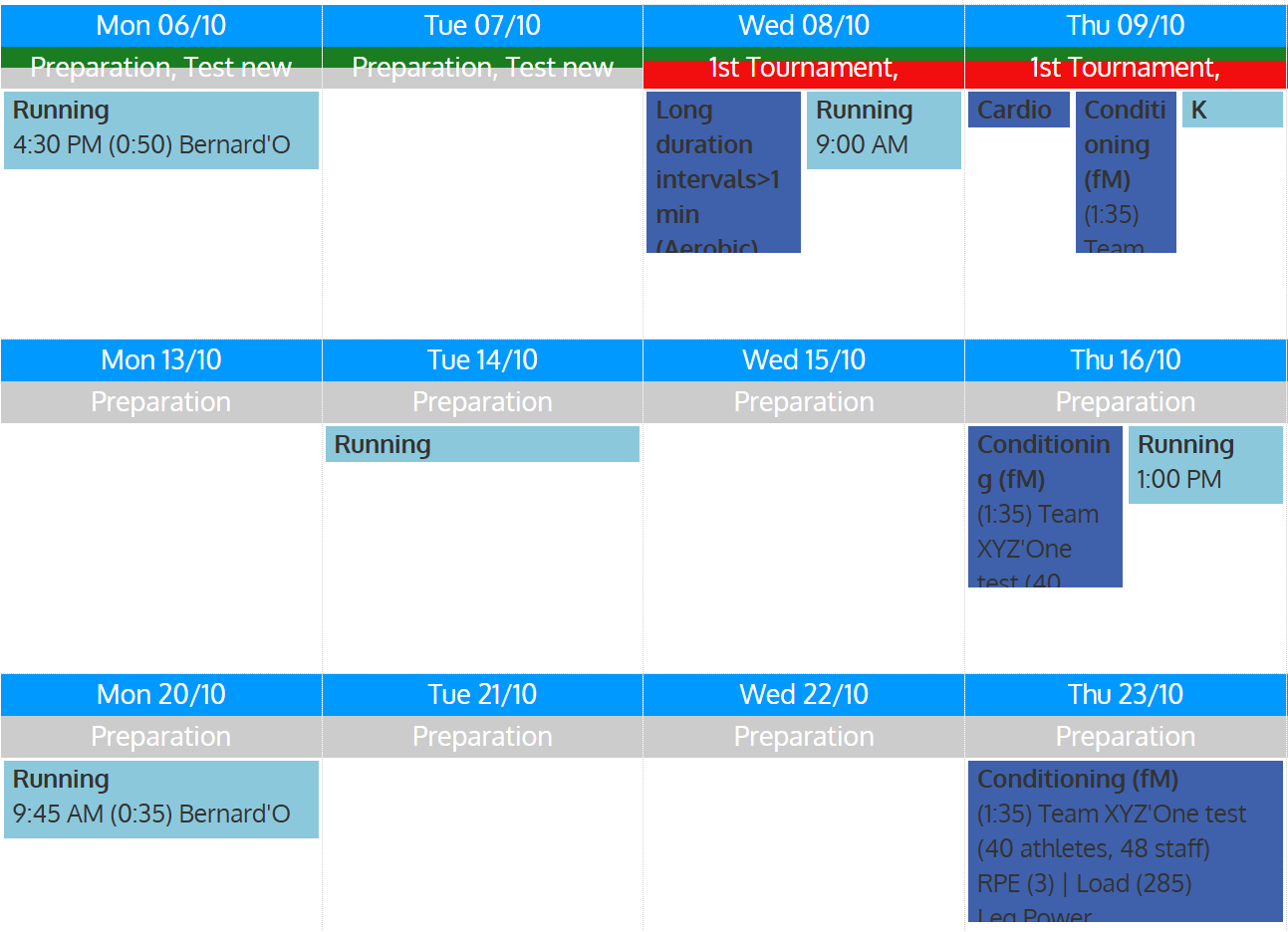
Their planned sRPE/difficulty level (RPE button is selected)
sRPE scale colors can be defined in Settings-Training settings-RPE
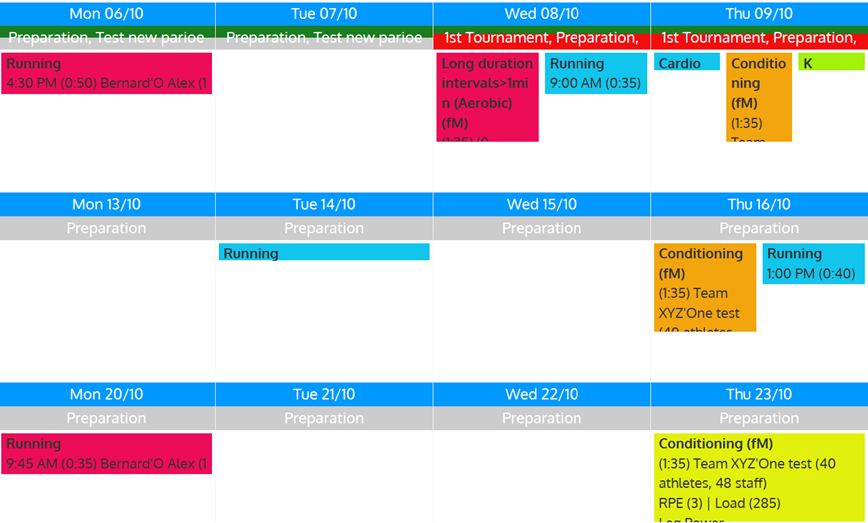 If multiple teams are selected, sessions will be represented by the same color for each team.
Duration increments:
Time increment for planned sessions, 1 or 5 minutes
Start time increments:Time increment for the Start time option, 15 or 30minutes
Start of day:
Calendar will display available daily time slots after this time
End of day
Calendar will display available daily time slots before this time
Allow athletes to schedule sessions:
If set yo YES, athletes will be able to schedule sessions / appointments for future dates/times
Default session duration:
Default duration of sessions, 5 minutes increments