To create a superset and link two or more exercises, simply add the exercises, select the exercises you want to link, and click the “Link” icon.
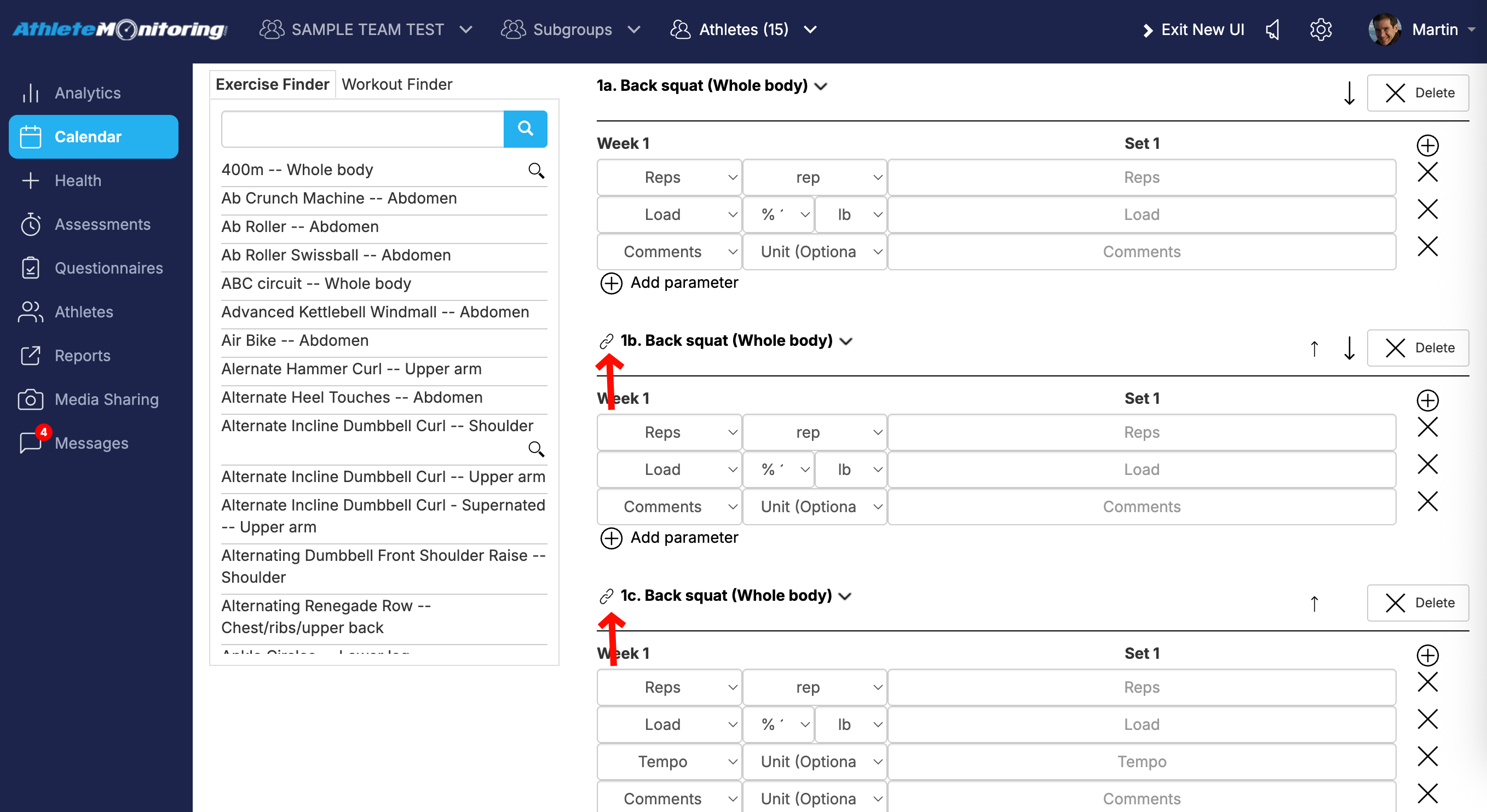

On the athlete app, this will look like this the image below. To record data, athlete can tap on the exercise names to expand-collapse the section and quickly enter information for each set.

Was this article helpful?
That’s Great!
Thank you for your feedback
Sorry! We couldn't be helpful
Thank you for your feedback
Feedback sent
We appreciate your effort and will try to fix the article