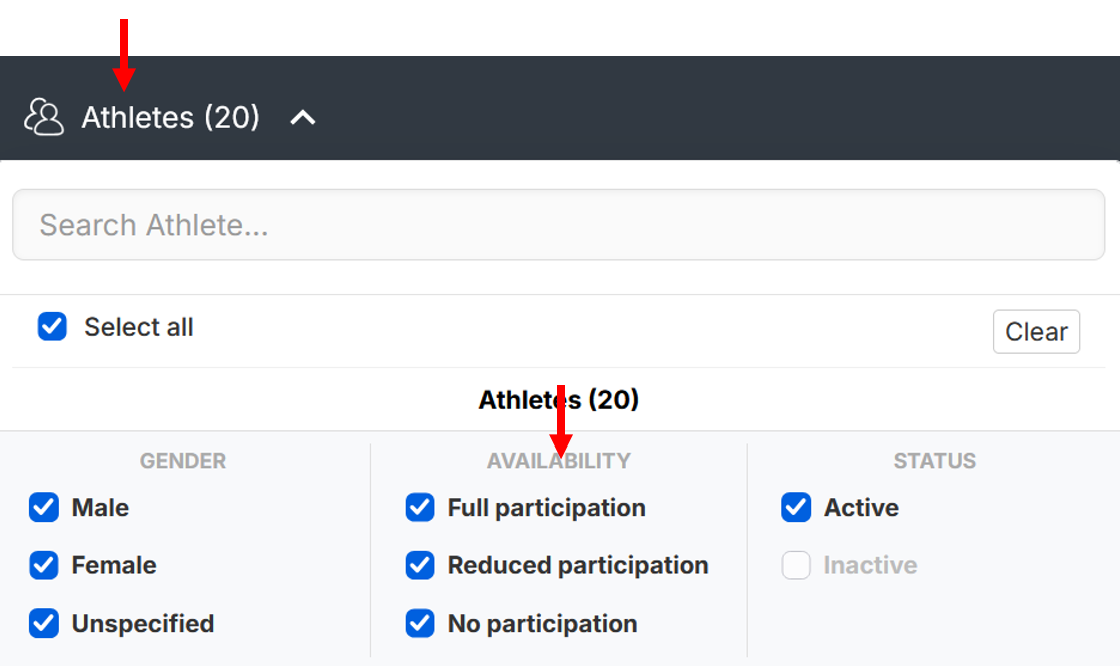
It is possible to instantly see the list of available and unavailable athletes from multiple places.
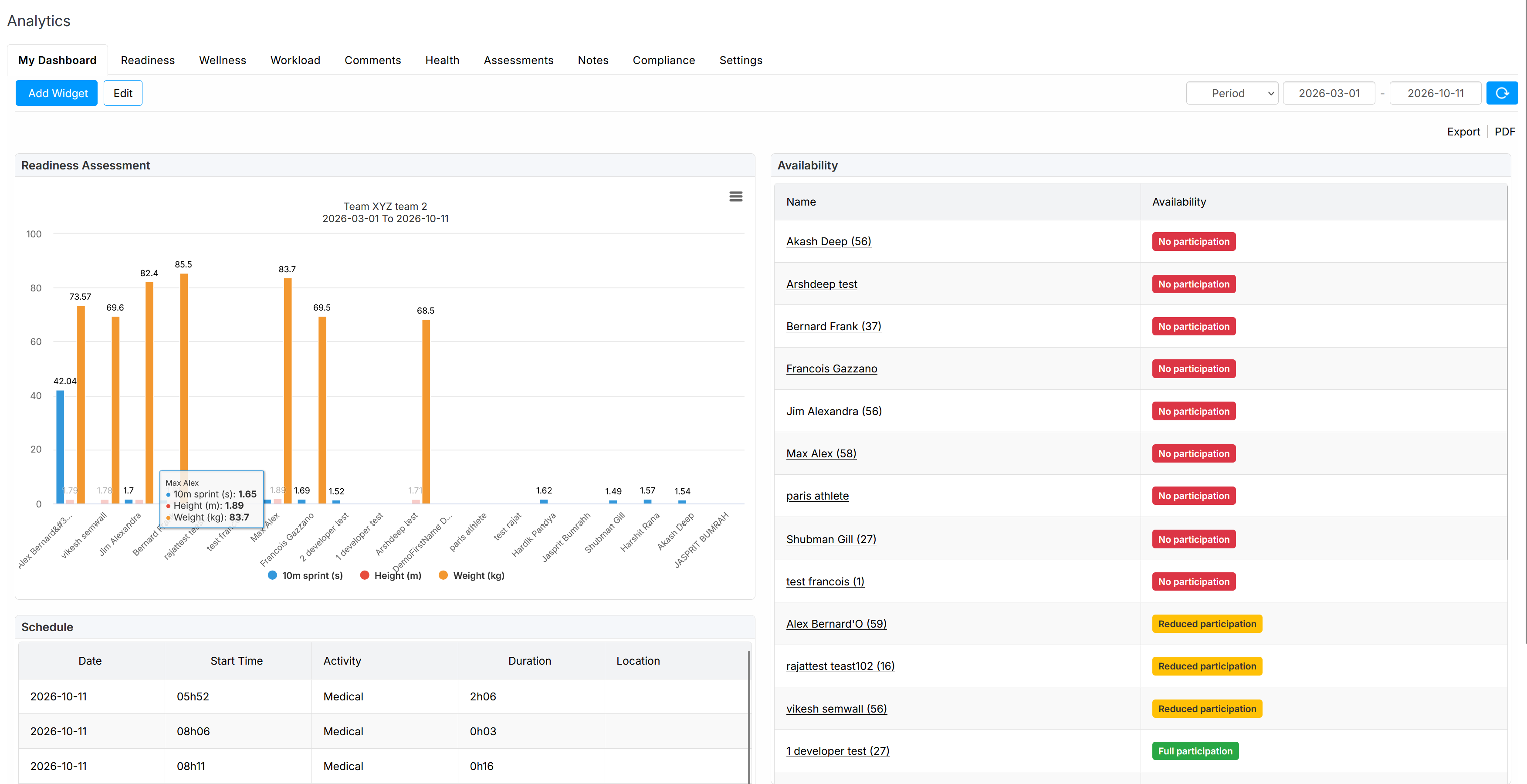
From My Dashboard
Add the preset widget 'Availability' to instantly view the availability list when you open AthleteMonitoring

From the Analytics-Readiness-Availability Dashboard
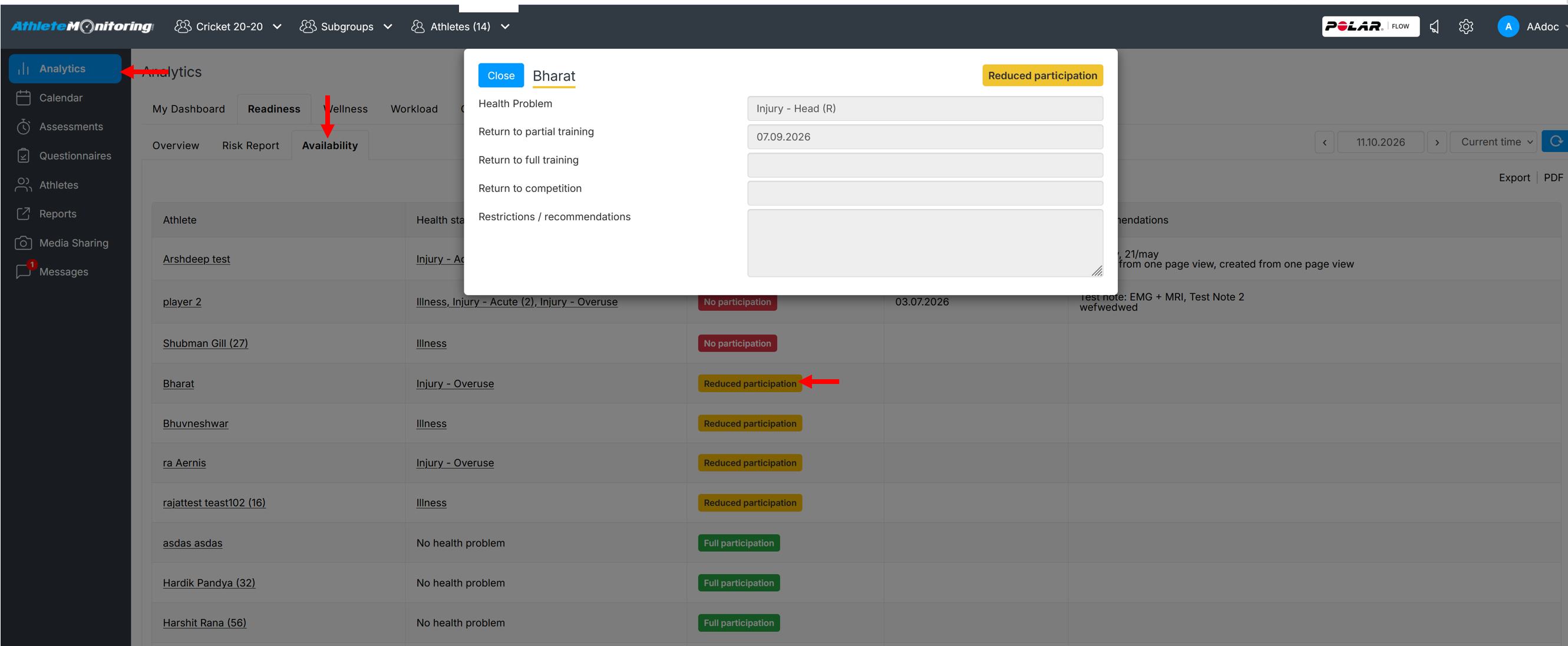
When you need more details, open the Analytics-Readiness-Availability dashboard
Athletes will be sorted from non available to available. To view more details about the reasons and return to training and competition dates, click on the availability status.
From the athlete list
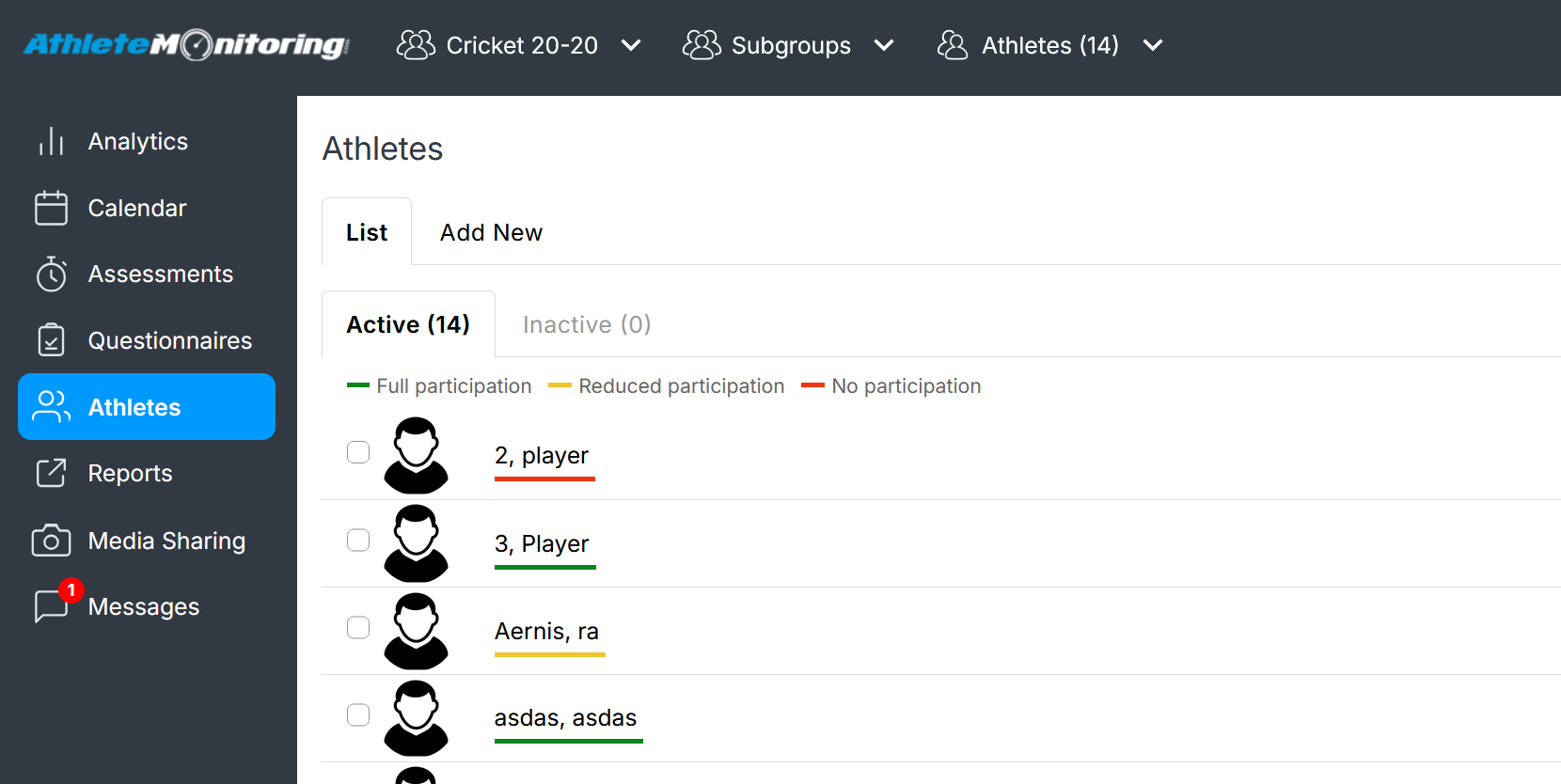
You can also instantly identify athletes' availability status by opening the Athlete menu. The coloured line under each athlete name indicates the availability status.
From the health menu
The Health Problems section automatically displays all the athletes with current health problems and their availability status
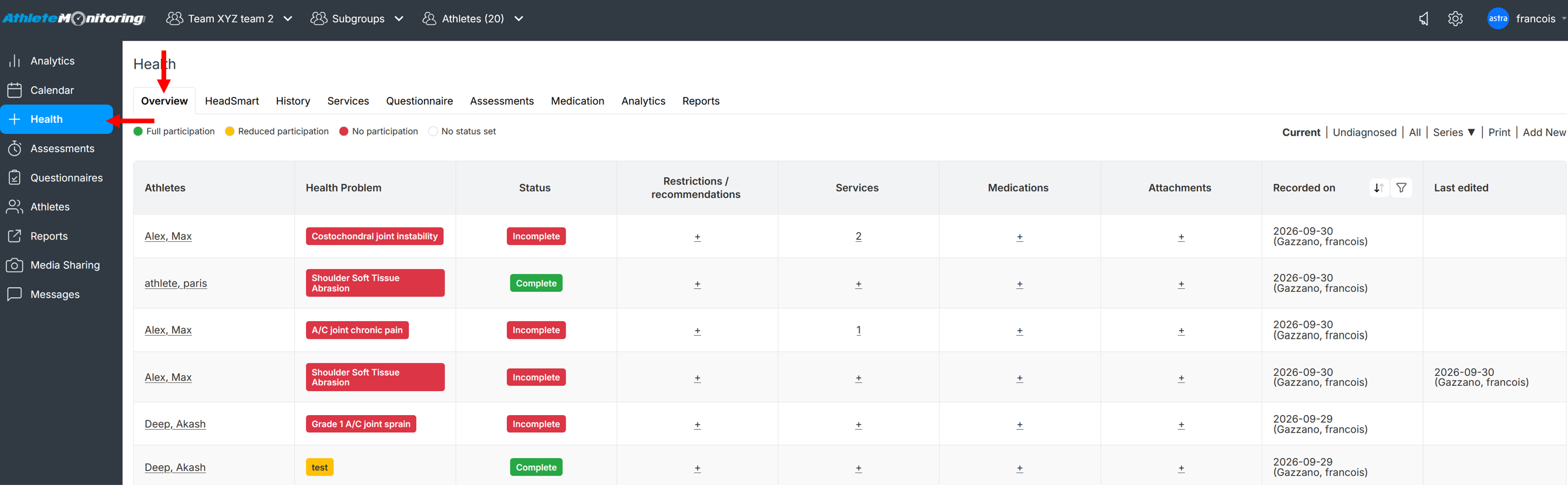
Athletes also can be filtered based on their health-related participation status