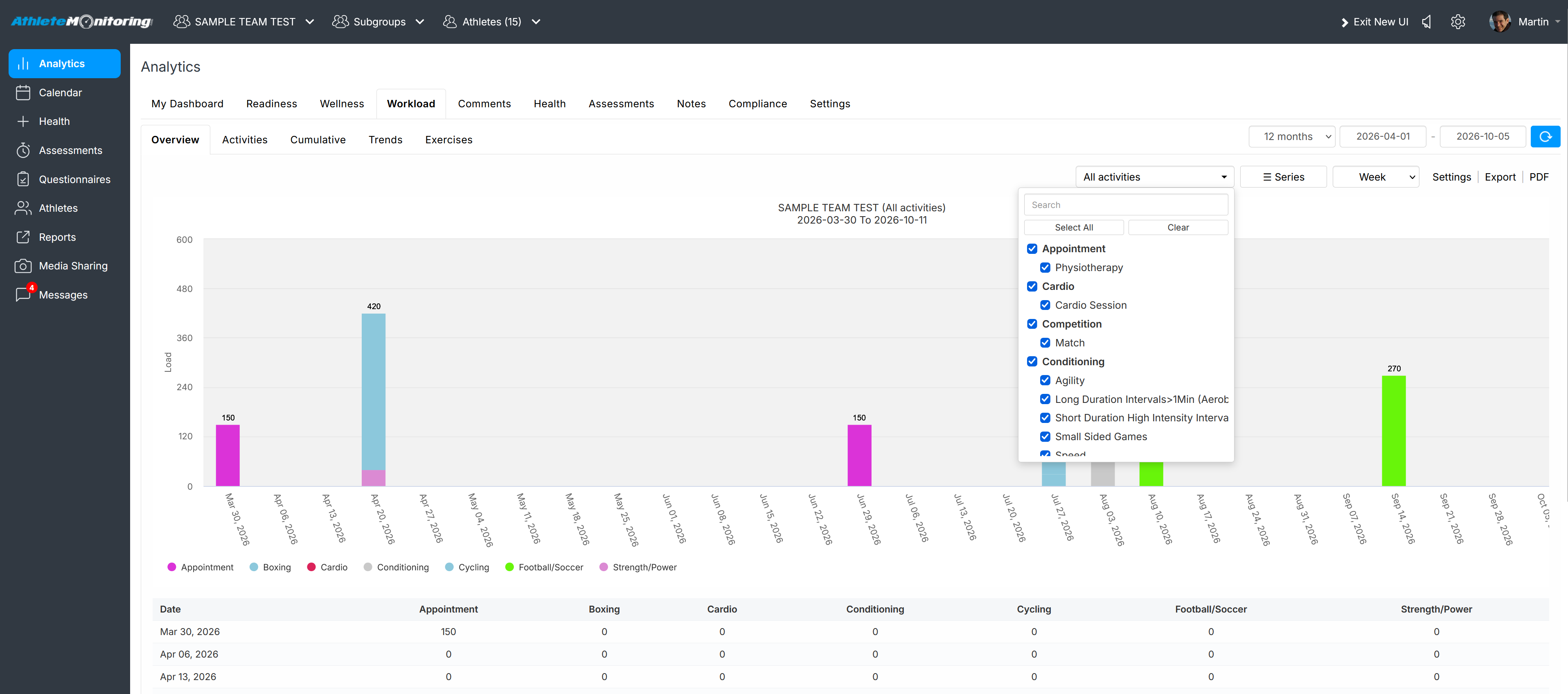
Yes. To view ACWR, CTL and ALT for each activity, select the Analytics menu, open the Workload tab and select/deselect the activities. Also, you can display/hide specific metrics from the Metrics dropdown list. Their respective total and ACWR will be automatically displayed on the graph.
Was this article helpful?
That’s Great!
Thank you for your feedback
Sorry! We couldn't be helpful
Thank you for your feedback
Feedback sent
We appreciate your effort and will try to fix the article